Introduction
Many restaurant owners hesitate to move away from paper menus because they assume it requires a massive technical investment. They think they need to hire a web developer, purchase an expensive domain, and learn how to manage a complicated content management system just to update their prices.
The reality is that you do not need a website to have a professional digital menu.
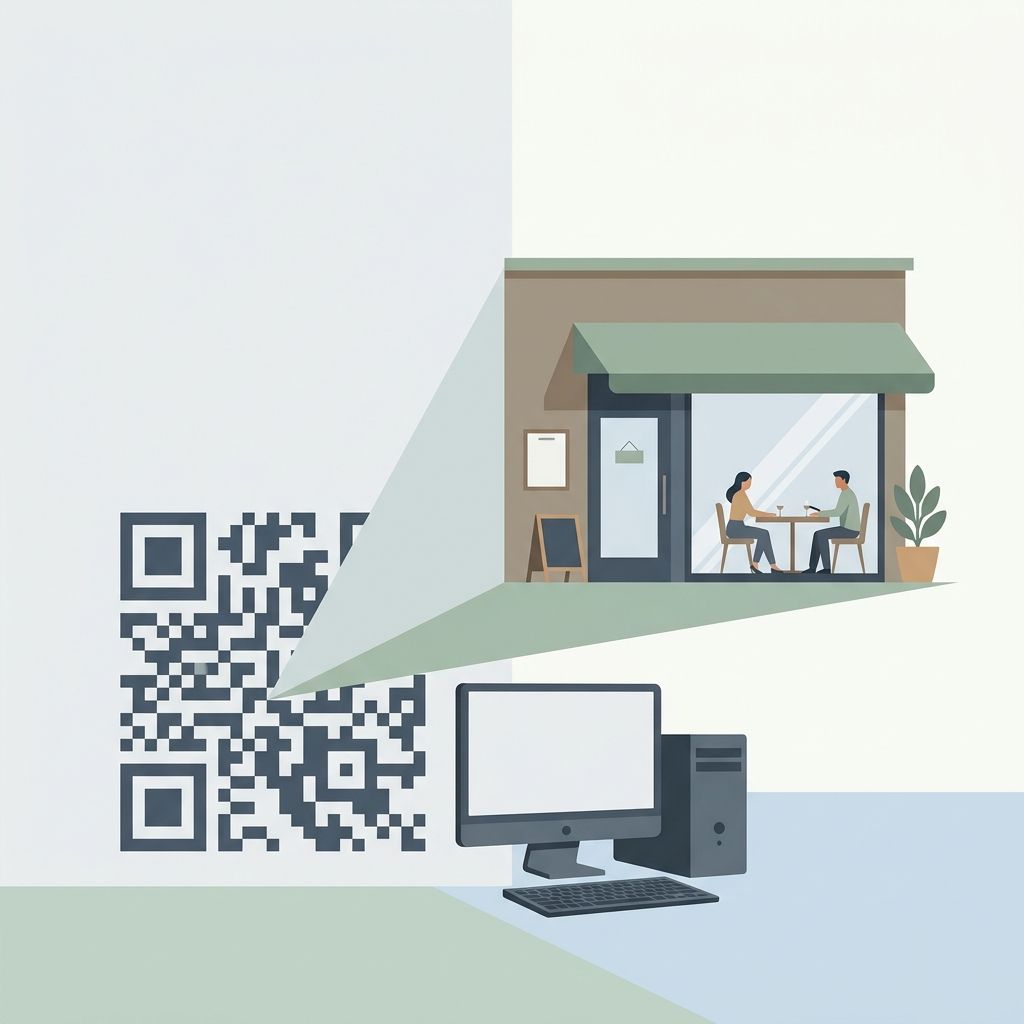
Today's restaurant technology allows you to launch a beautiful, branded digital storefront that lives entirely independently of a traditional website. Whether you are a small neighborhood cafe or a growing chain with multiple locations, here is how you can create a digital menu without writing a single line of code.
Why Skip the Traditional Website?
Building a traditional website for a restaurant often creates more problems than it solves.
First, the cost: custom web design can run into thousands of dollars. Second, the maintenance: when you want to 86 an item or change the price of your signature burger, you have to email your web guy and wait days for the update to go live.
Lastly, traditional websites are rarely optimized for the specific way hungry diners browse on their phones. Customers don't want to navigate through an "About Us" page and a "Contact" form just to see what you serve. They want a fast, mobile-first menu experience.
The Modern Alternative: Digital Storefronts
Instead of a heavy website, modern restaurants are turning to dedicated digital menu platforms. These tools act as a standalone, lightweight digital storefront tailored exclusively for food discovery.
With a platform like MenuClips, the technical barrier is completely removed. You can set up your entire digital presence in minutes.
Step 1: Choose Your Vibe
Instead of staring at a blank screen, you start with professionally designed templates. Whether your restaurant is fine dining, a bustling bakery, or a casual food truck, there are layouts pre-built for your specific aesthetic.
Step 2: Upload Your Menu
You can manage your menu from a simple dashboard. Add your items, descriptions, and prices. Best of all, if you make a mistake or run out of an ingredient mid-shift, you can toggle the item's availability from your phone and it updates instantly for every customer.
Step 3: Brand It As Your Own
Even without a website, you still retain your brand identity. You upload your logo, select your restaurant's specific brand colors, and pick fonts that match your physical space. MenuClips generates a custom subdomain for you (like yourcafe.menuclips.com), so the link looks professional when you share it on Instagram or Facebook.
Step 4: Generate Your QR Code
Once your digital storefront is ready, the system automatically generates a high-resolution QR code. You print it, place it on your tables, and your customers instantly have access to your fully interactive menu.
Enhance the Experience with AI
When you bypass a traditional website and use a modern menu platform, you unlock features that static websites simply cannot offer.
For example, MenuClips features a built-in AI Menu Assistant. Because the system understands your menu data, customers can type questions directly into their phones like, "Which of these dishes are dairy-free?" or "What do you recommend for someone who loves spicy food?" The AI answers them instantly, acting as a digital concierge that enhances the dining experience without putting extra strain on your waitstaff.
Key Takeaways
The idea that you need a complicated, expensive website to digitize your restaurant is a myth.
By leveraging a platform designed specifically for restaurants, you can launch a branded digital menu in minutes, manage your own updates instantly, and offer a premium, mobile-first experience to your guests.
Ready to get started? Try MenuClips today and launch your custom digital storefront—no coding required.