
Know Exactly Which Items Make You Money
Why Analytics?
Everything you need for analytics, built right in.
Table Engagement Rates
Are guests scanning but not ordering? Identify bad layouts instantly by seeing exactly how many times the menu was opened versus active engagement.
Identify Menu Blind Spots
See which categories customers completely scroll past. If your high-margin desserts have zero views, it is time to move them higher up.
The Loyalty Metric
Track unique vs. returning device sessions. See if your digital menu experience is actually bringing people back.
Peak Staffing Alignment
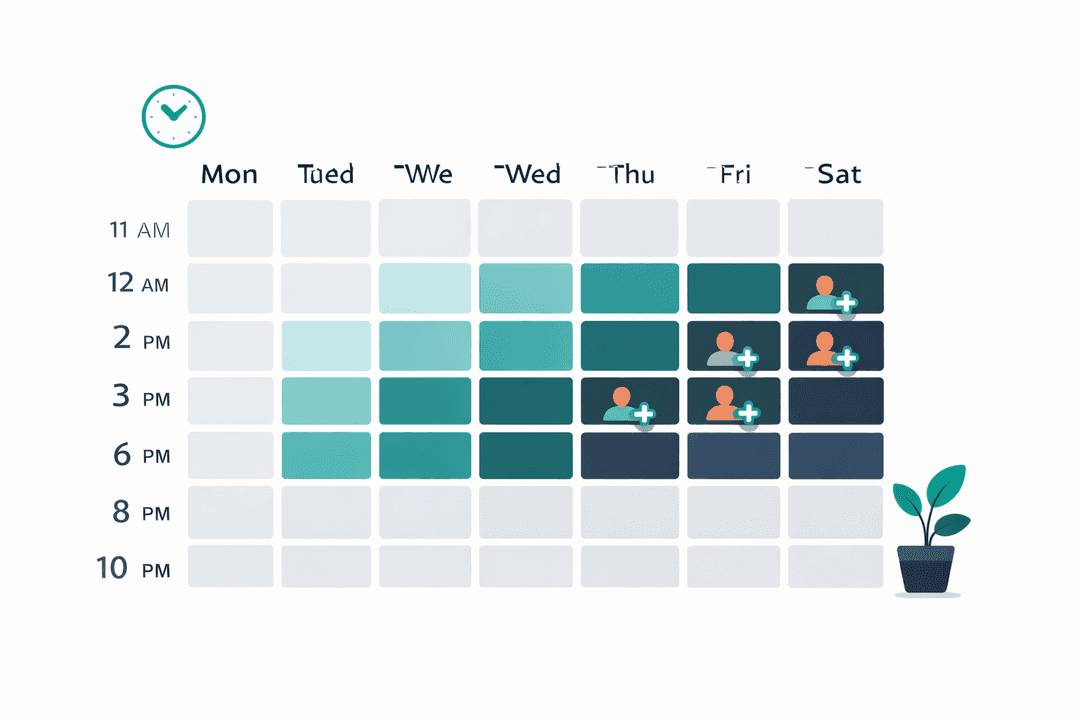
Correlate high menu-browsing spikes with your labor schedule. Cut staff on dead shifts and bulk up precisely before the scan surge hits.
How It Works
A closer look at how analytics powers your restaurant.
Live Front-of-House Pulse
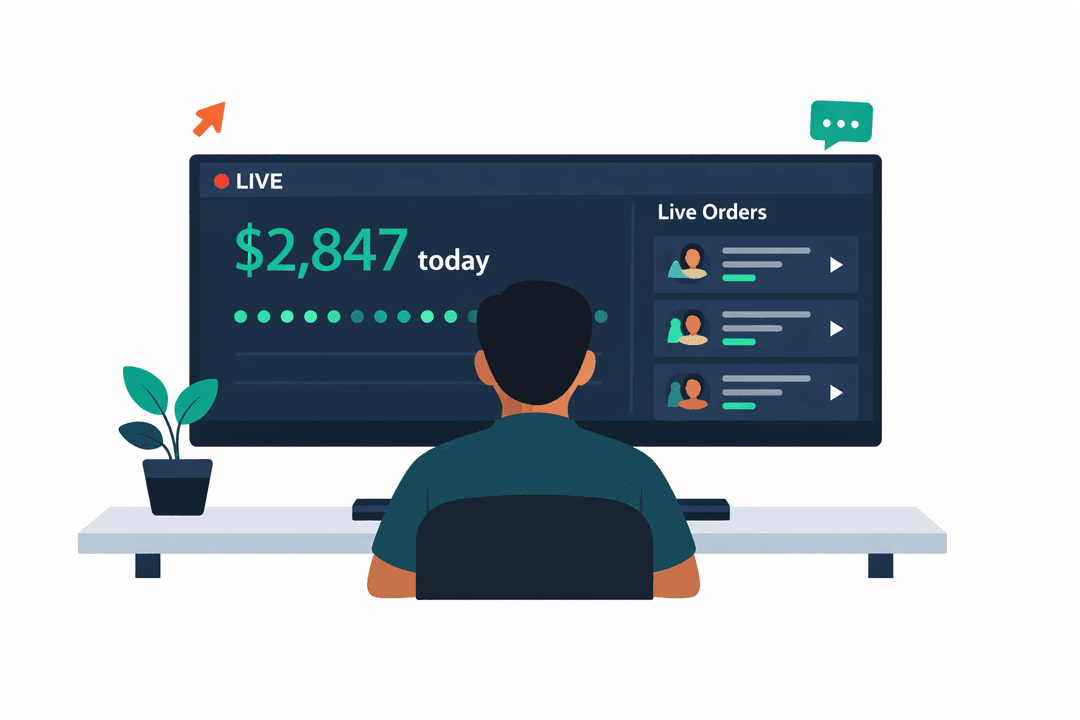
Don't wait for the end-of-month P&L. Watch scan activity light up live. Know exactly how many tables are actively looking at your menu right now.
Scientifically Layout Your Menu
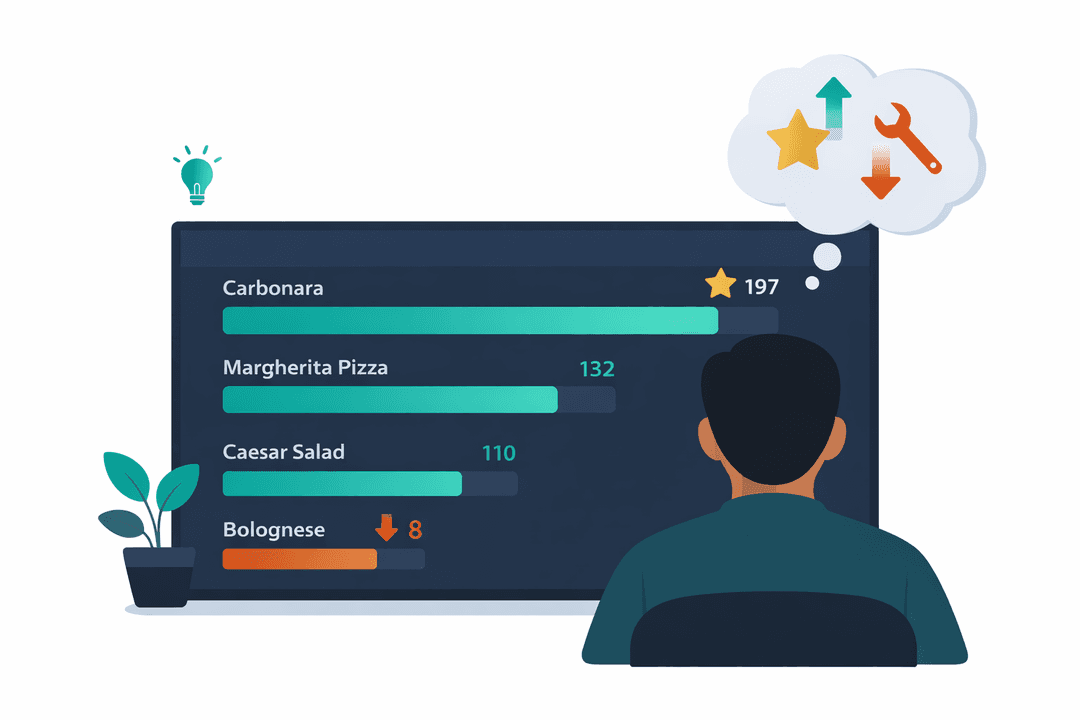
If the data shows 80% of guests click on "Chef Recommendations" first, put your highest margin dishes there. Stop letting gut feelings drive your profitability.
Save Thousands on Labor Blindness
Historical scan data proves exactly when the rush happens. If scans die at 8:15 PM every Thursday, stop paying cooks to stand around until 10 PM.
Investor-Grade Reporting
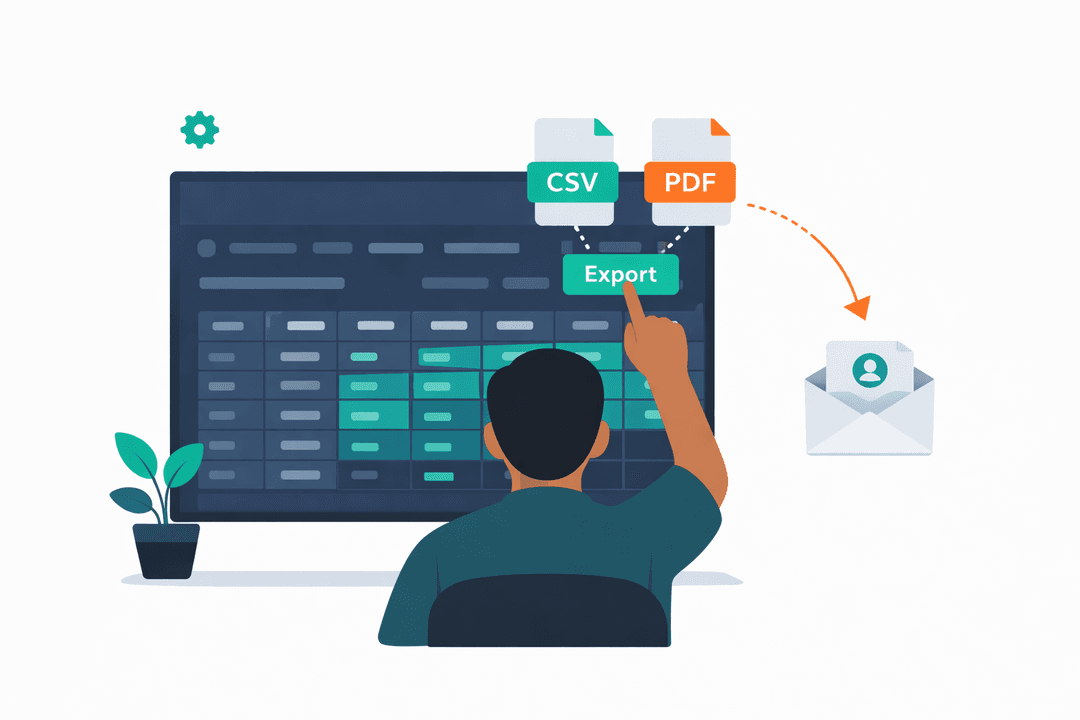
Generate gorgeous, indisputable CSV data for your partners or franchisors showing exactly how guest engagement is trending over time.
Get Started in Minutes
Setting up analytics is quick and easy.
Go Live
Analytics start collecting data the moment your menu goes live.
Filter & Explore
Slice data by date range, location, or table.
Spot Trends
Visualize scan and engagement trends with charts that update in real-time.
Take Action
Use insights to optimize your menu layout, offers, and staffing.
Analytics FAQ
Common questions answered.
QR code scan counts per table and location, peak scan times, menu session activity, and unique visitors. All updated in real-time as guests interact with your digital menu.
Yes. The cross-location report lets you compare scan counts and engagement side by side across all your branches. Spot which location gets the most menu traffic.
Yes. Download reports as CSV for any date range. Useful for team meetings or sharing with stakeholders.
Immediately after your menu goes live and your first QR code is scanned. There is no setup required — tracking starts automatically.
Related Features
Explore more tools that work great together.
Ready to Try Analytics?
Get started free today. No credit card required.
No credit card required · Free for 30 days · Cancel anytime