
Turn Every Table Into a High-Conversion Sales Terminal
Why QR Codes & Tables?
Everything you need for qr codes & tables, built right in.
Zero Hardware Required
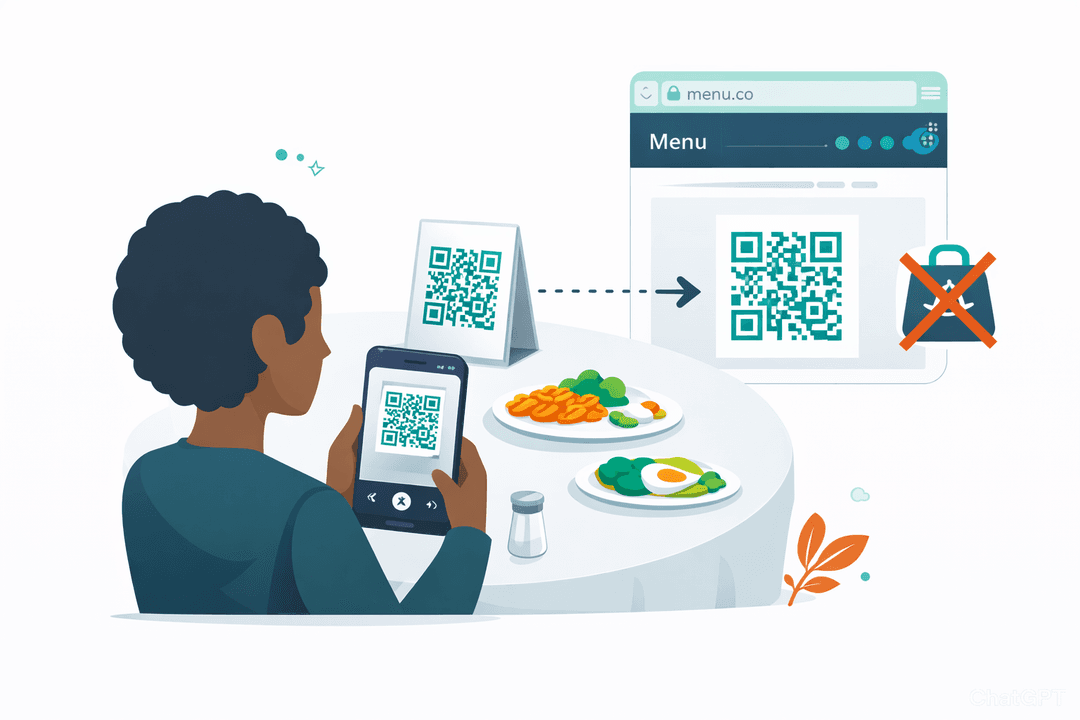
Stop buying $400 payment tablets for every table. The guests already brought the hardware in their pockets.
Branded Elegance
Standard black-and-white QR codes can look impersonal. Add your logo, brand colors, and beautiful shapes to make the scanning experience feel incredibly premium.
High-Res Print Control
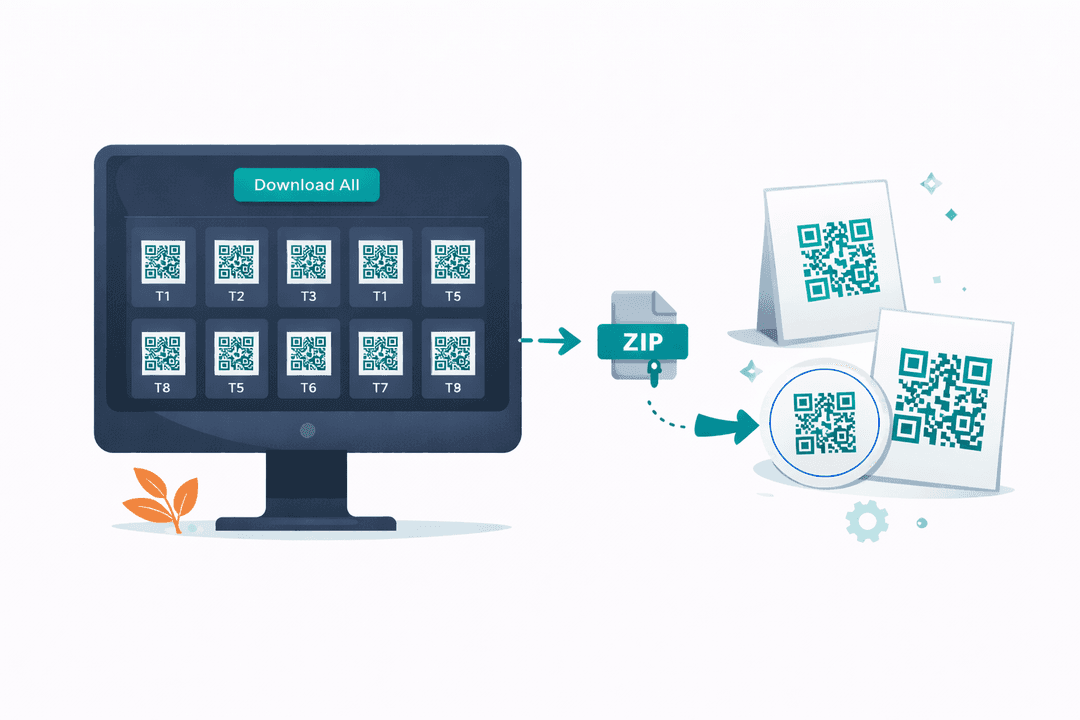
Download crisp SVGs immediately. Slap them on coasters, table tents, or front-door window stickers.
No Forced Apps
Nothing kills a spontaneous drink order faster than a password prompt. Our menus are entirely browser-based. They scan, it opens. Fast.
How It Works
A closer look at how qr codes & tables powers your restaurant.
The Menu That Never Gets Stolen or Torn
Paper menus get wet, stolen, torn, and sticky. A QR code on a beautiful acrylic table tent lasts forever and requires exactly zero FOH maintenance during a hectic shift.
Dynamic Link Routing (Print It Once)
Decided to change your domain name? Paused your specials page? You NEVER have to reprint your QR codes. The codes point to our dynamic router, so you can change the destination from your dashboard instantly.
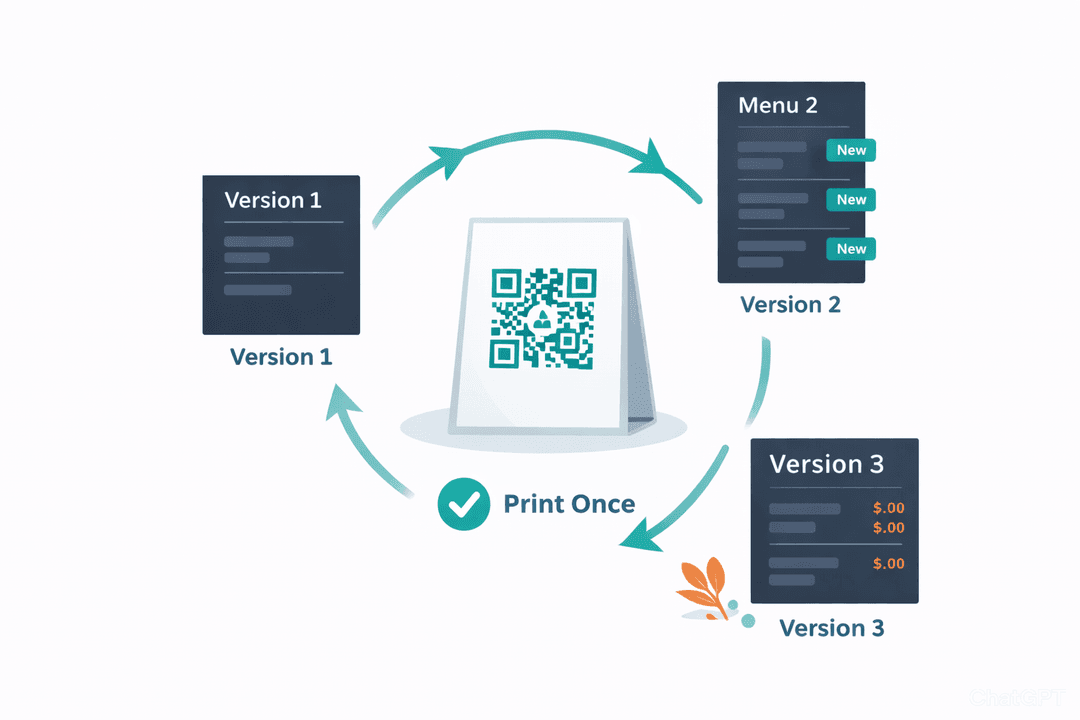
Table-Level Heatmaps
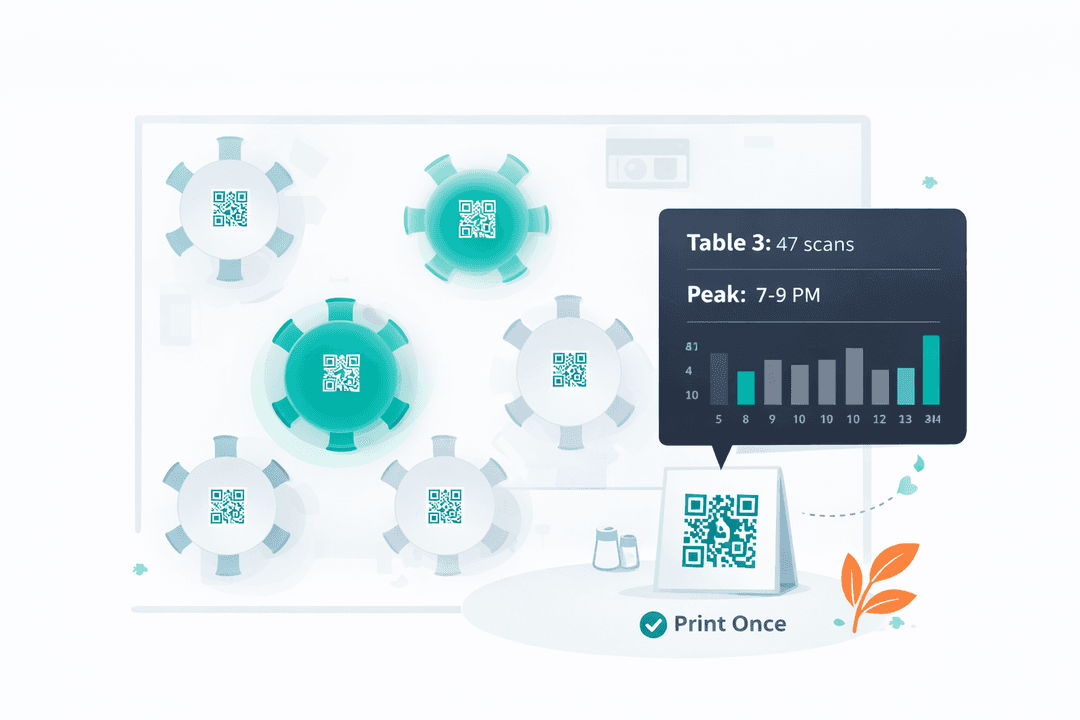
Ever wonder if the corner booth actually orders more desserts? Because each QR code is bound to a specific table, you get precise analytics on which sections of your restaurant browse the most.
Mass Batch Export
Opening a new 50-table location? Do not generate them one by one. Highlight the tables, hit export, and send a zip file straight to your printing company.
Get Started in Minutes
Setting up qr codes & tables is quick and easy.
Set Up Tables
Add your tables, counters, or zones in the dashboard.
Generate Codes
One click generates a unique QR code for each table.
Print & Display
Download and print codes on table tents or stickers.
Guests Scan & Browse
Guests scan with their phone and your menu loads instantly.
QR Codes & Tables FAQ
Common questions answered.
No. Every modern smartphone camera can read QR codes natively. Guests point their camera, tap the link, and your menu loads in their browser. Zero friction.
No. QR codes are dynamic — they always load the latest version of your menu. Change prices, add items, or swap photos and the same printed QR code works perfectly.
Yes. Add your logo to the center, choose brand colors, and select from multiple code shapes. Branded codes are more recognizable and get scanned more often.
The analytics dashboard shows scan counts per table, peak scan times, and overall QR engagement. Use this data to understand where guests are most active.
Related Features
Explore more tools that work great together.
Ready to Try QR Codes & Tables?
Get started free today. No credit card required.
No credit card required · Free for 30 days · Cancel anytime