
Your Menu Should Look Like Your Restaurant, Not a Generic App
Why Branding & Templates?
Everything you need for branding & templates, built right in.
Premium Vibe Templates
Start with professionally designed templates curated for fine-dining, fast-casual, and vibrant nightclubs. Pick the vibe that matches your room.
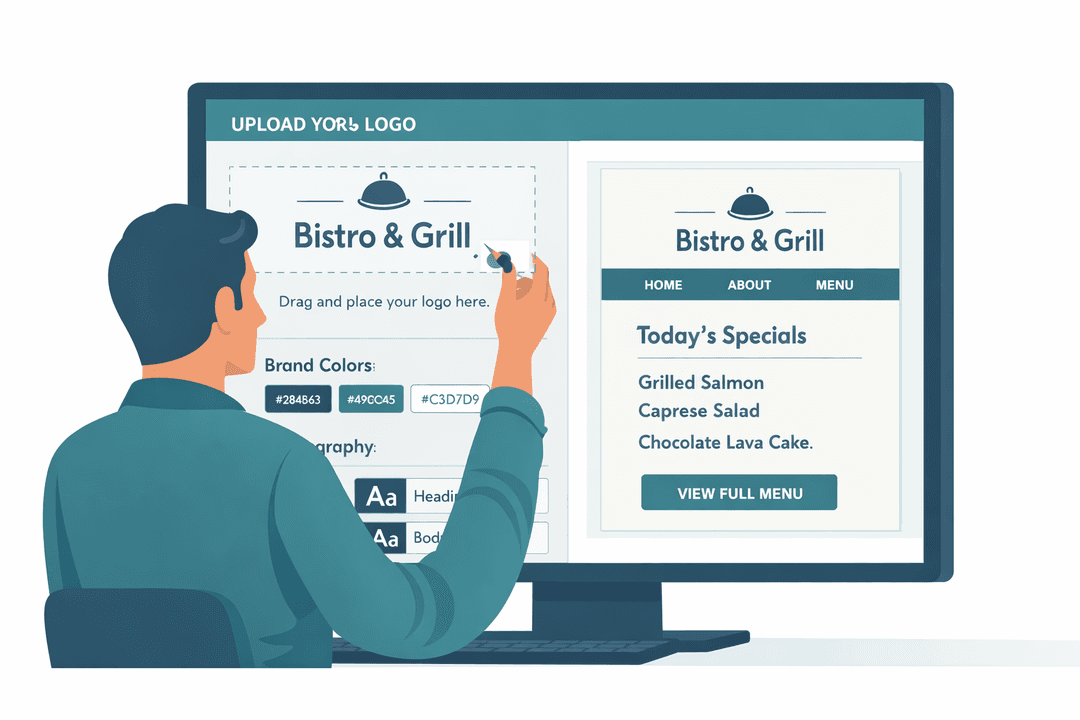
Exact Brand Matching
Drop in your exact HEX codes and upload your typography. Do not settle for "close enough" blue.
A/B Test Designs
Clone a layout, tweak the button colors to a high-converting red, and watch if your orders increase. Your menu is now a living experiment.
Multi-Concept Portfolios
Running a sports bar and a luxury steakhouse? No problem. Each location gets its own distinct template under one centralized account.
How It Works
A closer look at how branding & templates powers your restaurant.
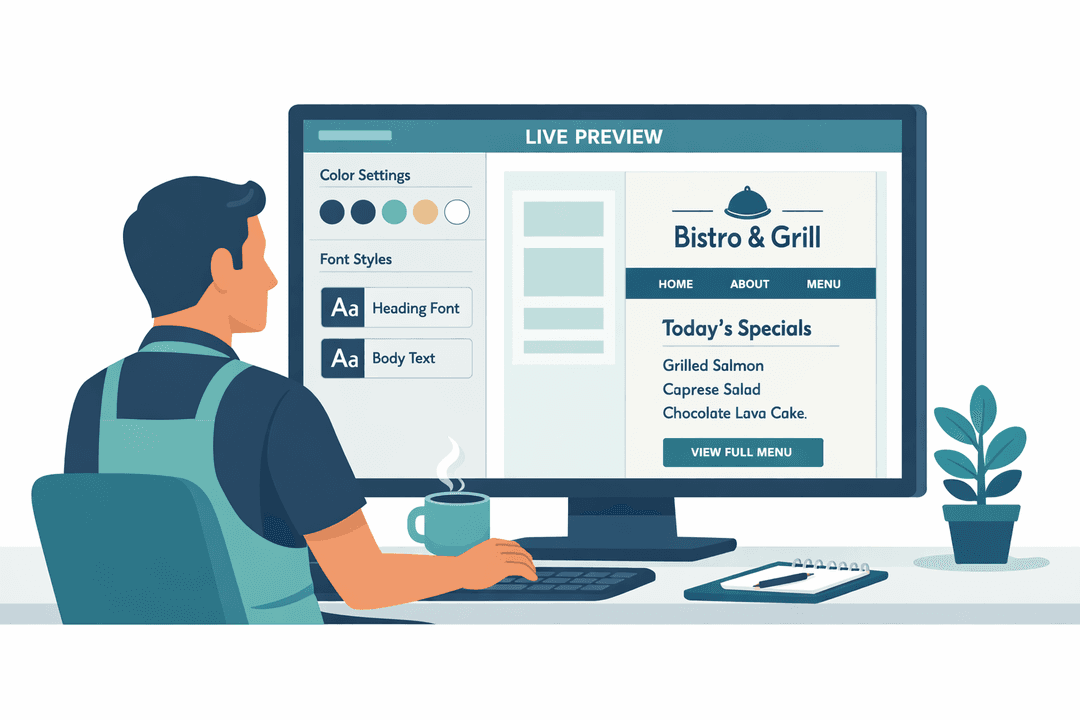
WYSIWYG Live Preview Editor
See your changes in real-time. No guessing how it will look on a phone. The editor shows you instantly whether that dark-mode background makes your food photography pop, or if you need to lighten the text.
Protect Your Brand Equity
When guests open a generic POS ordering app, they feel like a transaction. When they open a MenuClips menu dripping in your specific branding, they feel like a guest. Protect your brand equity at all costs.
Obsessively Mobile-First
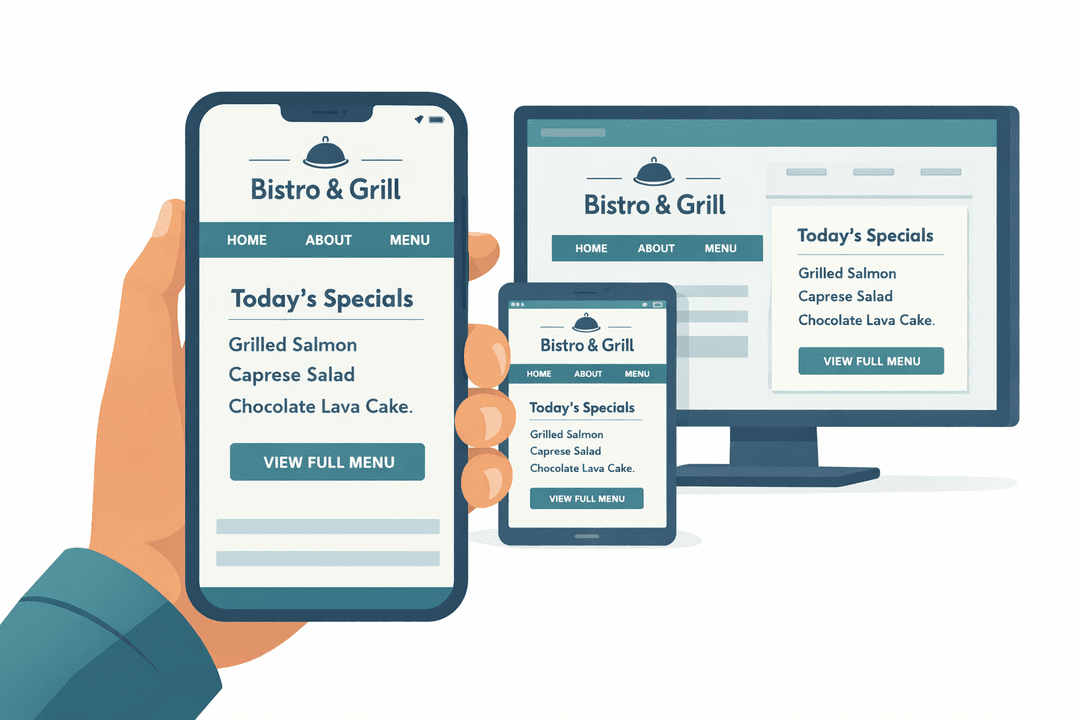
Your guests are not bringing laptops to dinner. They are using tiny screens with greasy fingers. Our templates have massively oversized tap targets to make menu navigation the easiest thing they do all day.
Dark Mode for Nightclubs & Bars
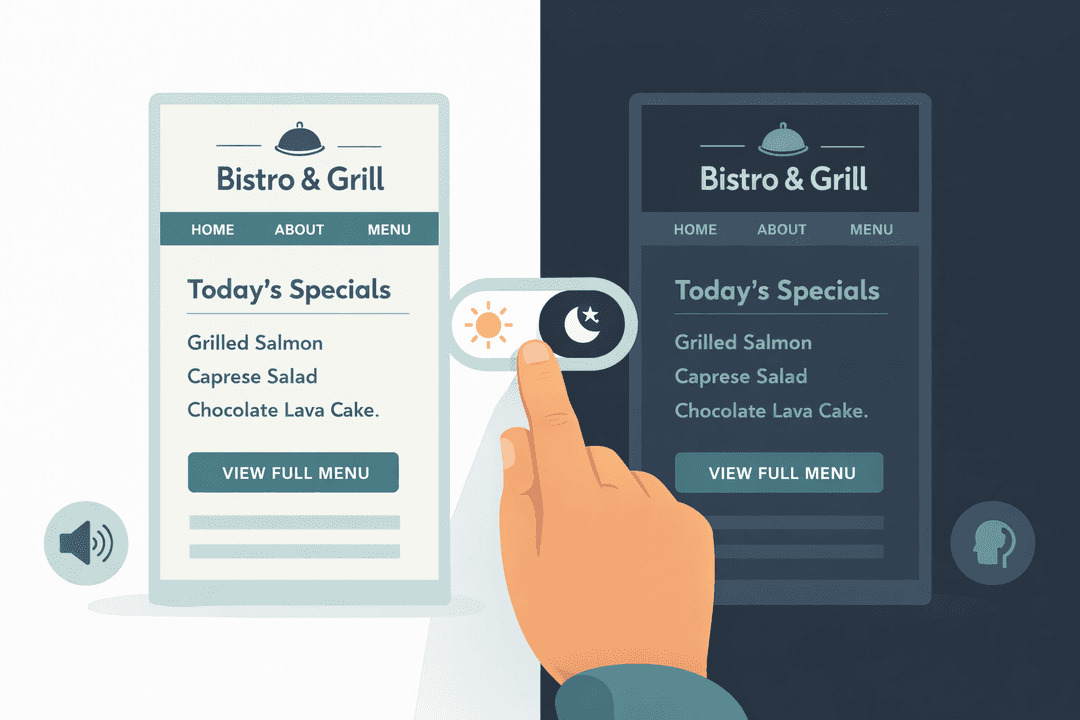
Nothing is worse than a blinding white screen in a beautifully dimly-lit speakeasy. Our dark mode templates ensure your menu adds to the ambiance instead of destroying it.
Get Started in Minutes
Setting up branding & templates is quick and easy.
Browse Templates
Explore our template library and preview each design.
Customize Your Design
Adjust colors, fonts, logo, and layout to match your brand.
Preview on Devices
See how your menu looks on phone, tablet, and desktop.
Assign & Publish
Apply the template to your locations and go live.
Branding & Templates FAQ
Common questions answered.
Yes. Upload your logo, enter your exact hex color codes, and choose from dozens of font families. Your digital menu matches your physical branding perfectly.
Every template is designed mobile-first. Over 90% of guests view menus on their phones, so fast loading, easy scrolling, and clear item cards are built into every design.
Yes. Your fine-dining venue can use an elegant dark template while your casual café uses a bright, playful design. Same brand identity, different atmospheres.
Yes. The live preview editor shows your changes in real-time across phone, tablet, and desktop views. What you see is exactly what guests see.
Related Features
Explore more tools that work great together.
Ready to Try Branding & Templates?
Get started free today. No credit card required.
No credit card required · Free for 30 days · Cancel anytime