
Stop Sending Your Customers to Third-Party URLs
Why Custom Domains?
Everything you need for custom domains, built right in.
Free SSL Subdomains
Every restaurant gets a lightning-fast subdomain out of the box. Ready to share on Google Maps and Instagram immediately.
True White-Label URL
Connect your own custom domain. The customer stays completely immersed in your brand from the QR scan to the dessert order.
Vanity Routing
Have multiple locations? Route them perfectly: "downtown.yourrestaurant.com" and "airport.yourrestaurant.com".
Enterprise Encryption
We automatically generate and renew SSL certificates for your custom domains to ensure customer peace of mind.
How It Works
A closer look at how custom domains powers your restaurant.
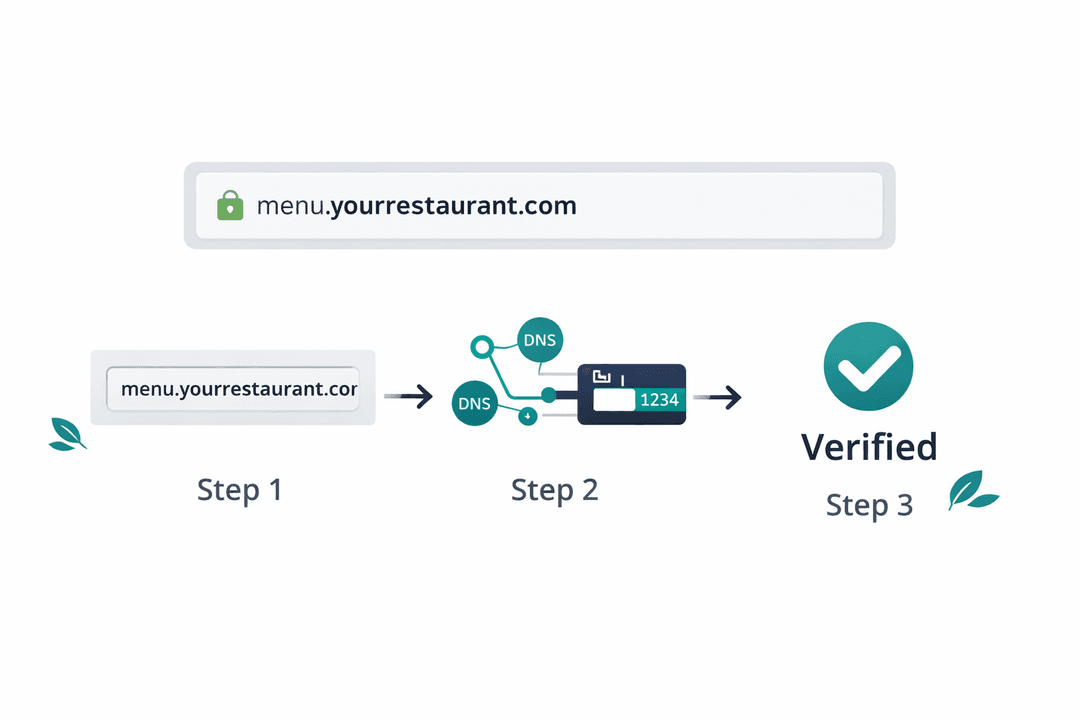
No IT Department Needed
Connecting your domain takes 120 seconds. Paste the record into your domain host, hit verify, and you are live. We handle all the messy SSL handshakes in the background.
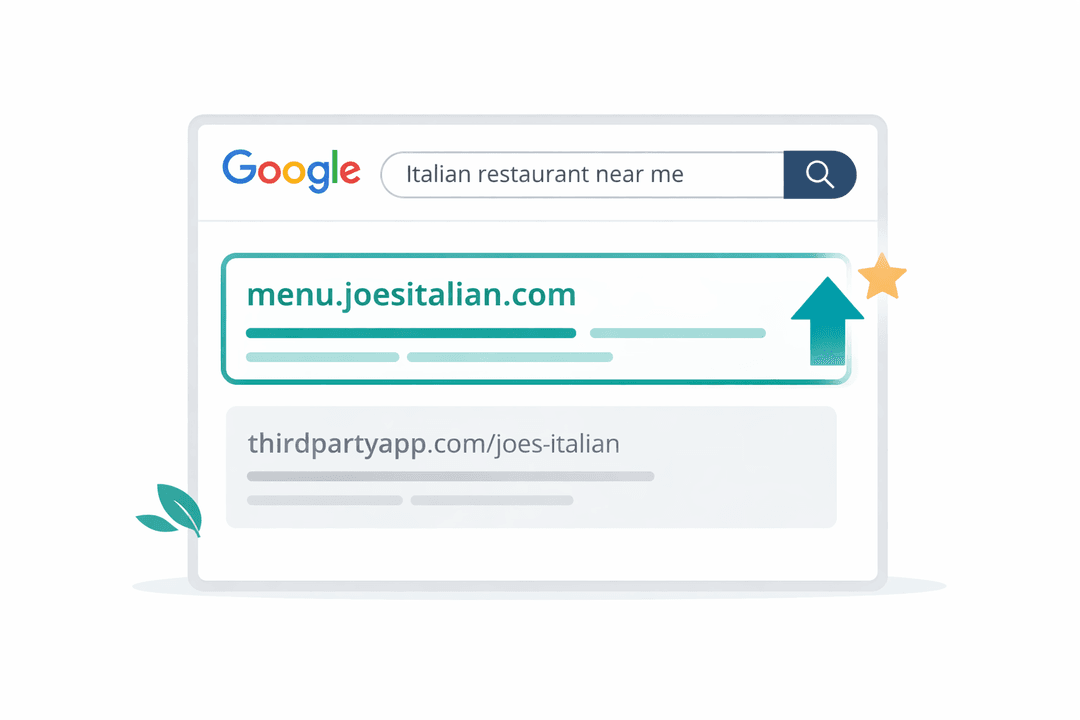
Hoard Your Own SEO Juice
Why let your ordering platform rank on Google for your restaurant's name? By hosting the menu on your own domain, you tell Google that YOU are the definitive source. Build your own search dominance.
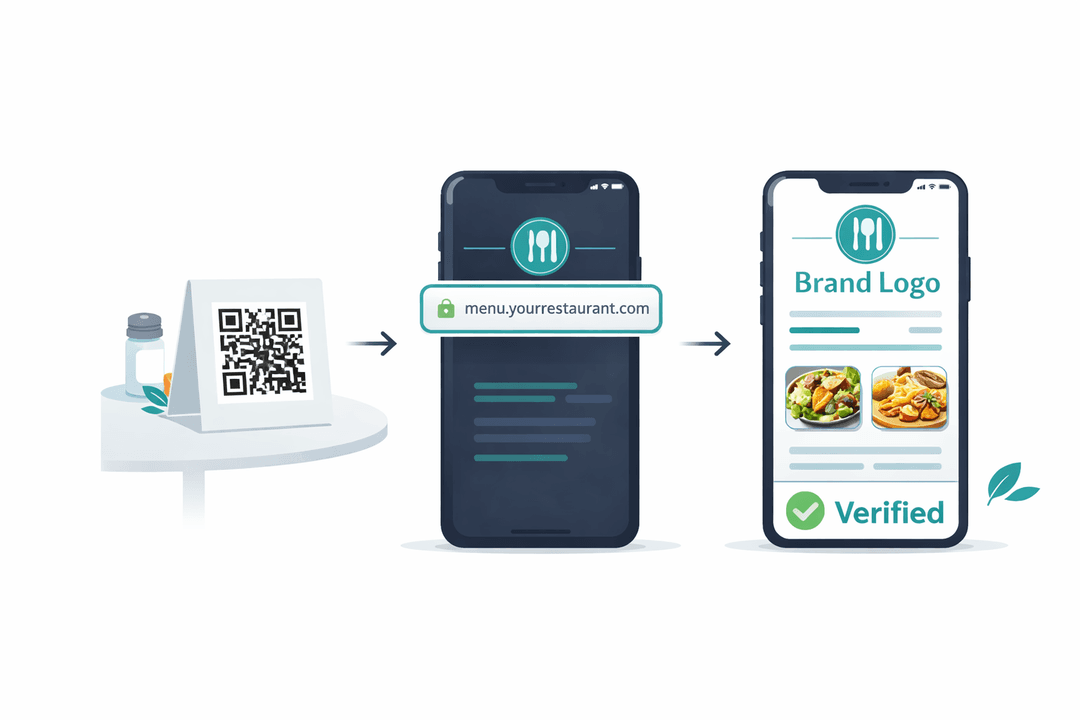
A Bulletproof Brand Illusion
From the QR code on the coaster, to the URL in the browser, to the font on the menu card. The customer experiences a seamless, expensive-looking brand that feels entirely bespoke to your restaurant.
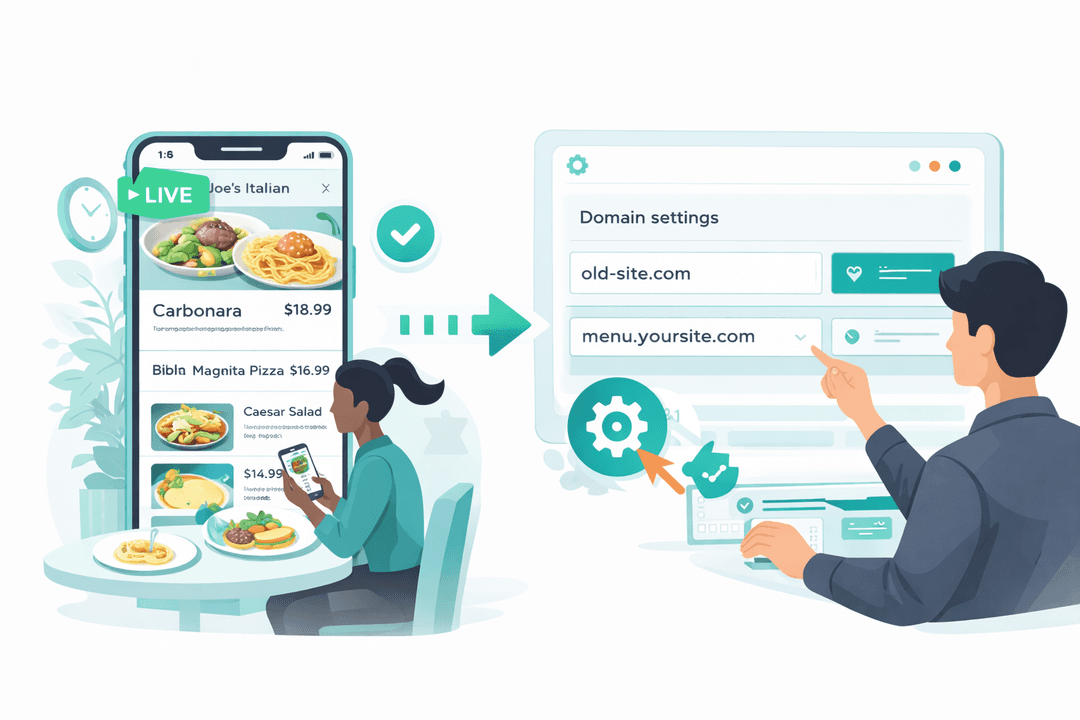
Zero-Downtime Infrastructure
Our edge network ensures your custom domain loads instantly, anywhere in the world, with zero downtime during updates. Never lose a table to a "server not found" screen.
Get Started in Minutes
Setting up custom domains is quick and easy.
Choose Your Domain
Use the free subdomain or enter your custom domain.
Update DNS
Copy the value from our dashboard and paste it into your DNS settings.
Verify & Go Live
Click verify in the dashboard. SSL is set up automatically.
Share Your URL
Your menu is live on your custom domain. Share it everywhere.
Custom Domains FAQ
Common questions answered.
No. Enter your domain in the dashboard, copy one DNS value we provide, paste it into your domain registrar, and click verify. We handle SSL automatically. Most restaurants finish in under 5 minutes.
The free subdomain (yourrestaurant.menuclips.com) works perfectly for ordering and sharing. A custom domain adds brand polish and helps with search rankings, but it is not required.
Yes. Each location can have a unique domain or subdomain — downtown.yourrestaurant.com and uptown.yourrestaurant.com, each loading the correct menu automatically.
Zero downtime. The old domain redirects to the new one automatically, and your menu stays live throughout the transition. Existing QR codes continue to work.
Related Features
Explore more tools that work great together.
Ready to Try Custom Domains?
Get started free today. No credit card required.
No credit card required · Free for 30 days · Cancel anytime