
Never Cross Out a Sold-Out Item with a Pen Again
Why Menu Management?
Everything you need for menu management, built right in.
Drag & Drop Editor
Zero technical skills needed. If you can use a smartphone, you can actively manage your menu margins.
Visual Upselling
Customers eat with their eyes first. High-res photos next to your highest margin dishes have been proven to increase ticket sizes.
AI-Powered Allergy Q&A
Our Google Gemini-powered AI Menu Assistant answers guest questions about allergens and dietary tags instantly, so your staff never has to run back to the kitchen.
AI PDF Extraction
Upload your legacy PDF menu. Our AI reads it, structures it, and builds your digital database in under 60 seconds.
How It Works
A closer look at how menu management powers your restaurant.
Stop Paying Printers Every Time Prices Change
Printing costs bleed restaurant margins. A simple price adjustment used to cost hundreds of dollars in reprinting. Now, you open your dashboard, change a 9 to a 10, hit save, and every table in your restaurant is instantly updated.
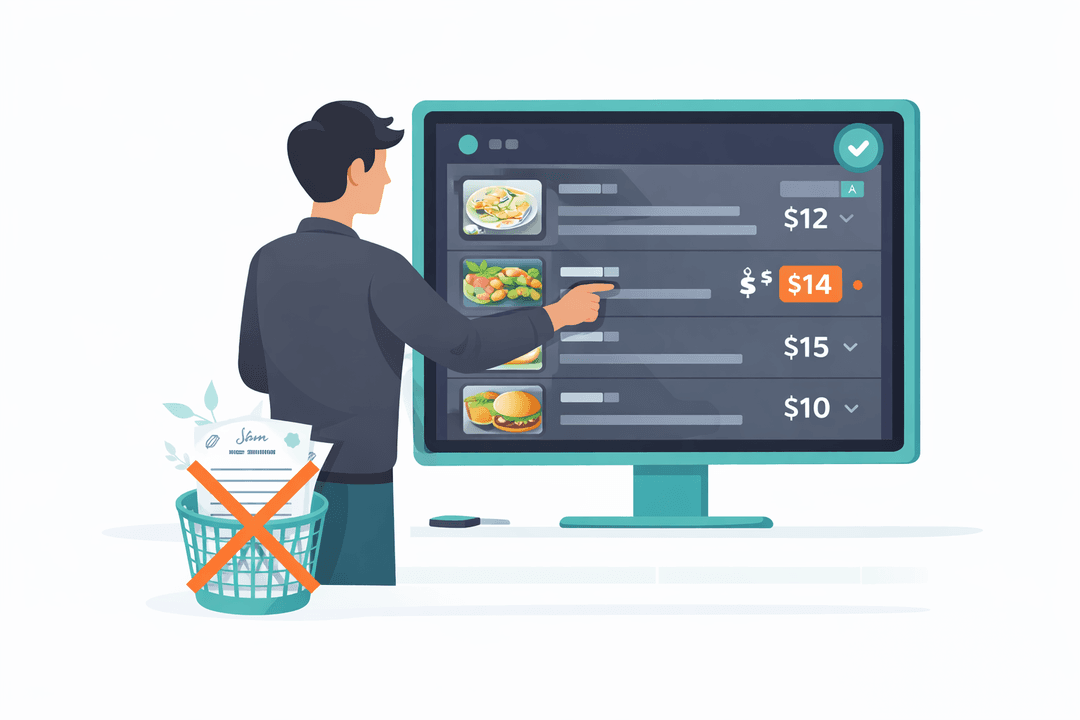
Automatic 86ing & Specials
Run out of tuna? Toggle it off. It vanishes from the menu immediately. Want to push a high-profit special? Schedule it to appear at 5 PM and watch the orders roll in.
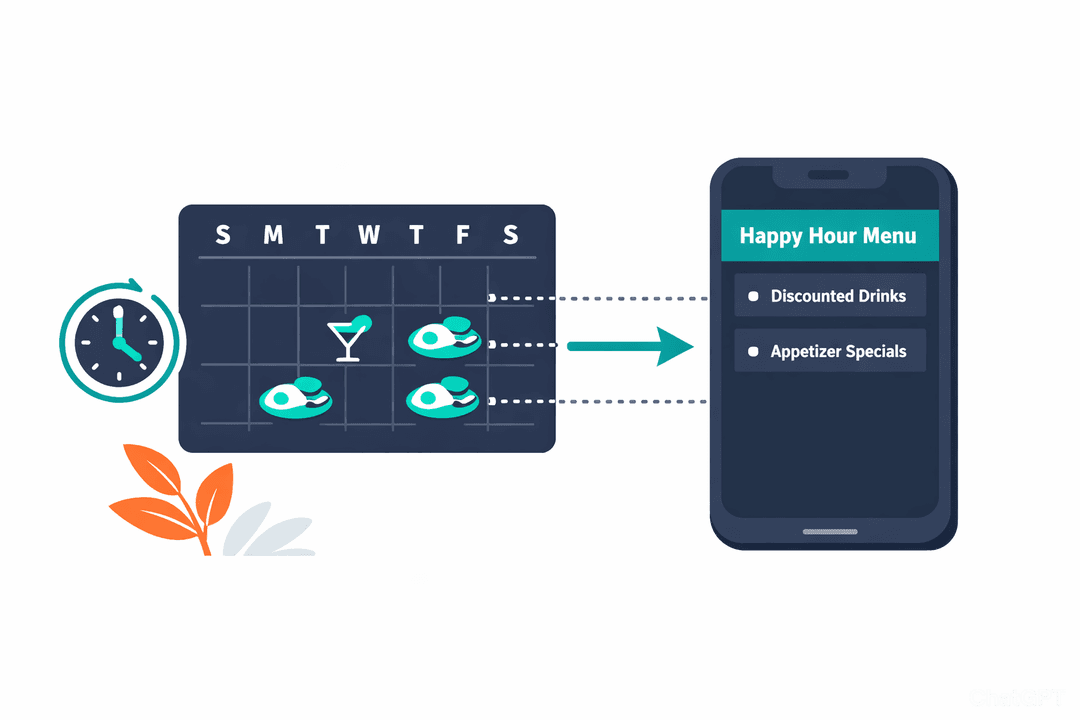
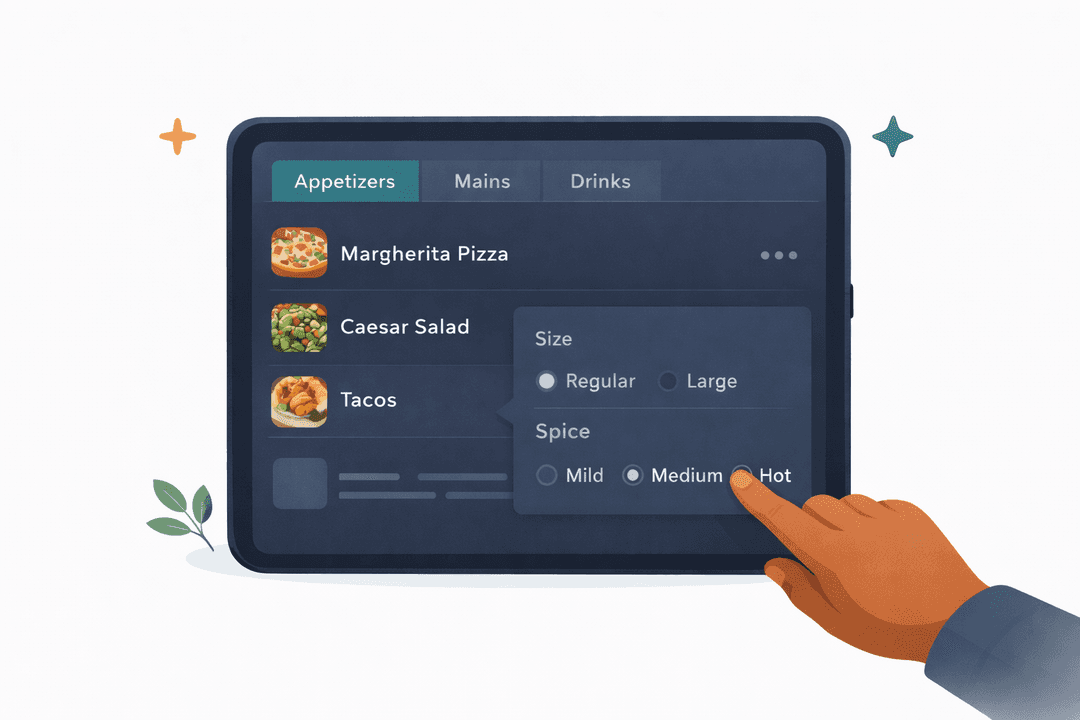
Modifiers That Make You Money
Don't leave cash on the table. Add required modifiers (meat temperature) and profitable add-ons (add bacon for $2.50) so guests organically upsell themselves without feeling pressured.
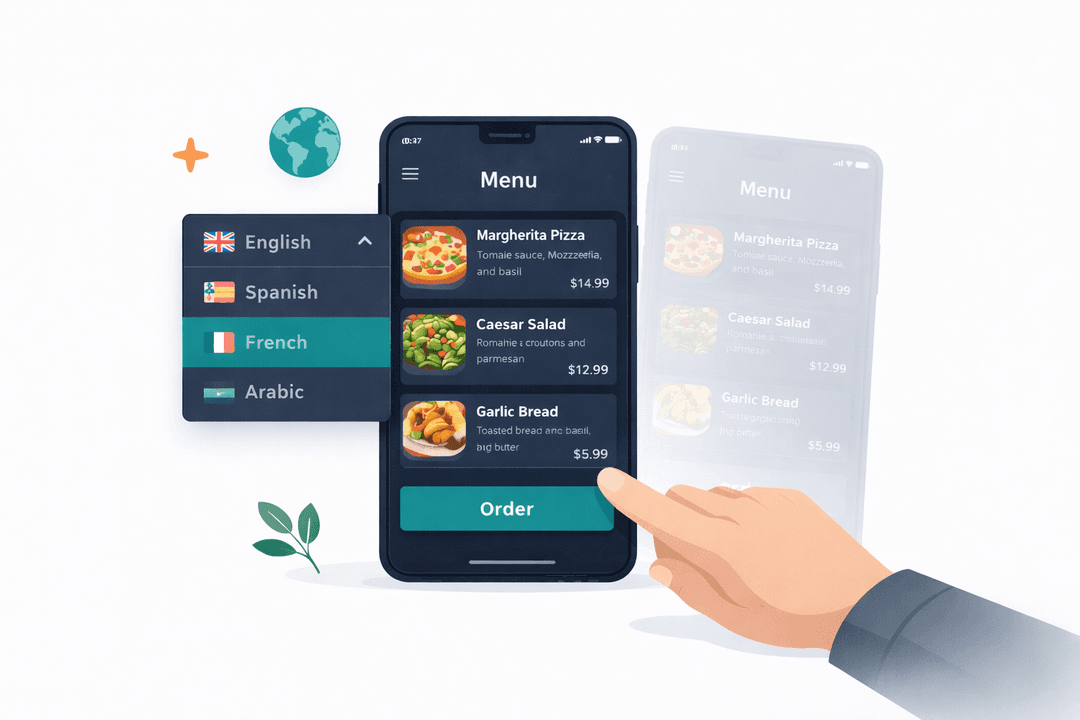
Total Multi-Language Dominance
Tourism money is incredibly lucrative. Menus instantly translate into 5+ languages so international guests buy with confidence instead of ordering the cheapest, safest item on the menu.
Get Started in Minutes
Setting up menu management is quick and easy.
Import Your Menu
Upload a PDF or enter items manually with our editor.
Edit & Organize
Drag and drop to rearrange. Add photos, prices, and descriptions.
Set Categories
Group items into categories and add modifiers.
Publish
Hit publish and your digital menu is live instantly.
Menu Management FAQ
Common questions answered.
Yes. Upload your PDF and our AI reads it automatically — categories, items, descriptions, and prices are structured into a digital menu in seconds. You can review and edit before publishing.
Instantly. The moment you hit save, every customer scanning your QR code sees the updated menu. No cache delays, no waiting.
Yes. Set a happy hour menu to appear at 4 PM, a brunch menu for weekends, or a holiday special weeks ahead. Menus activate and deactivate automatically on your schedule.
The Basic plan supports up to 50 items. Pro supports 500 items, and Enterprise is unlimited. Most single-location restaurants fit comfortably within Pro.
Related Features
Explore more tools that work great together.
Ready to Try Menu Management?
Get started free today. No credit card required.
No credit card required · Free for 30 days · Cancel anytime