
Launch Promos That Actually Move The Needle
Why Offers & Deals?
Everything you need for offers & deals, built right in.
Engagement Banners
Drop a beautiful "Happy Hour 4–7" banner squarely at the top of the menu to capture impulsive drink orders.
Visual Scarcity
Push a photo of the "Chef's Catch of the Day (Only 5 Left!)". Visual scarcity drives urgency at the table.
Strategic Discounting
Discount slow-moving inventory to save food costs, or highlight high-margin items to boost per-table profit.
Curated Pairings
Bundle a burger and a beer to increase average order volume. Make the decision too good to pass up.
How It Works
A closer look at how offers & deals powers your restaurant.
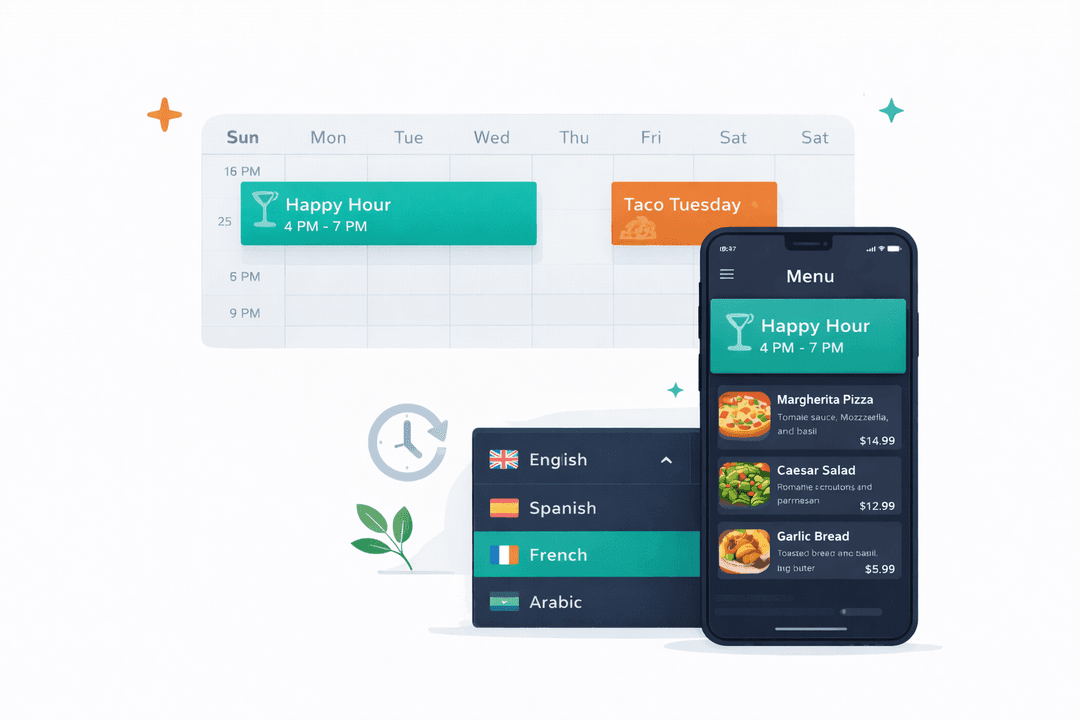
Smart Scheduling Engine
Your Friday happy hour shouldn't require a manager to remember to bring out the paper inserts. Schedule it once. It goes live at exactly 4:00 PM and vanishes at 7:00 PM.
Control What You Move
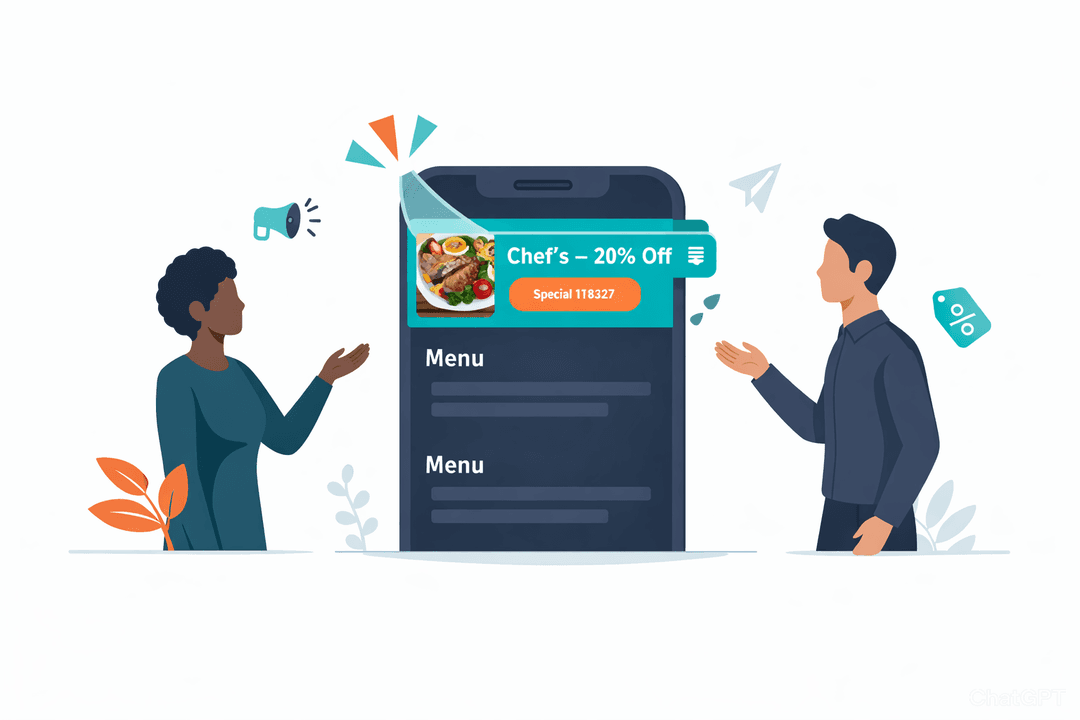
Kitchen sitting on too much sea bass? Run a flash promo pinned to the absolute top of the menu until it clears out. You control exactly what inventory gets moved.
Deep Performance Analytics
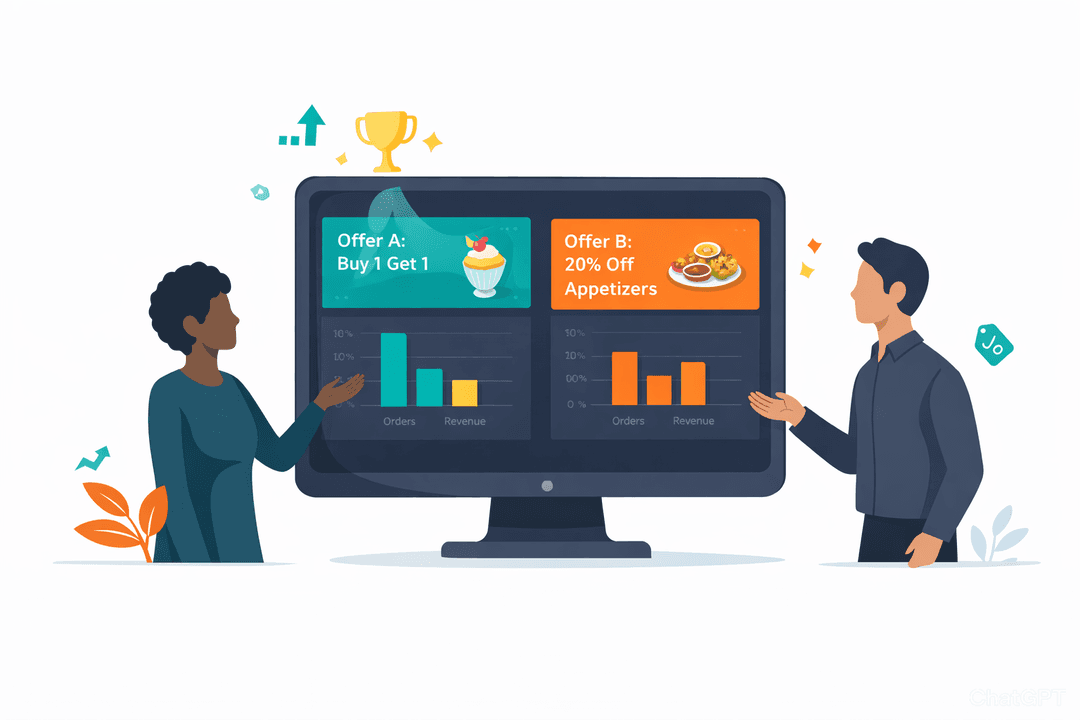
Stop guessing if a promotion worked. Track exactly how many tables clicked your offer and ordered it. A/B test promotions and double down on the ones driving customer engagement.
Laser-Targeted by Location
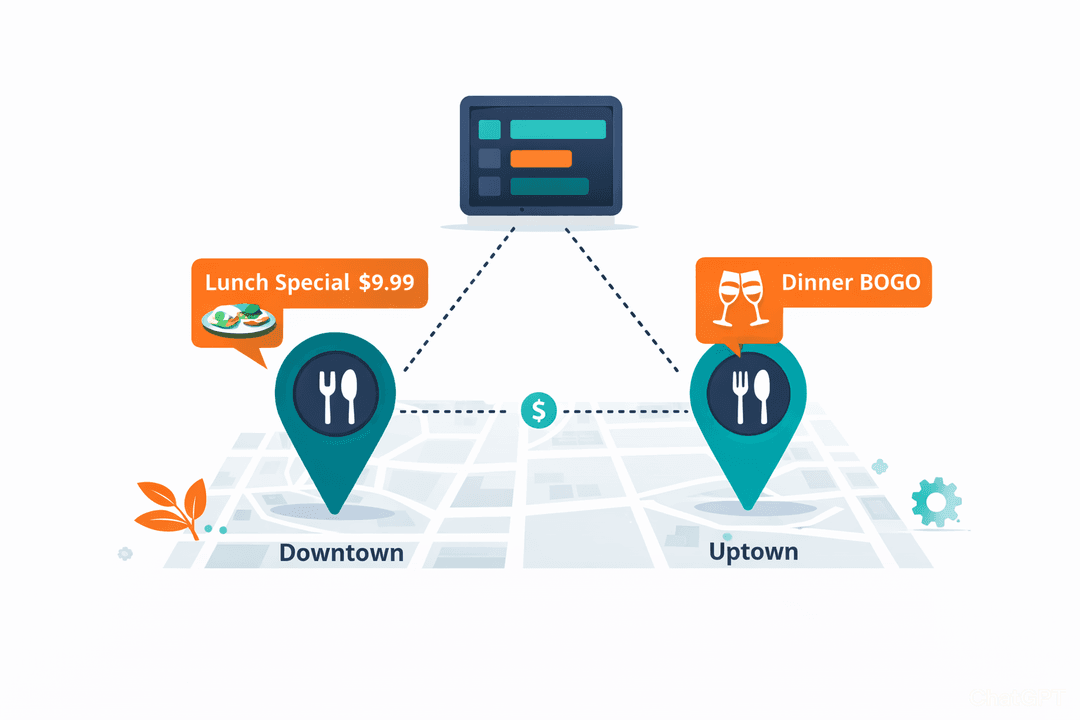
Your downtown club needs aggressive drink specials. Your suburban fine-dining spot does not. Target your promos with surgical precision by location.
Get Started in Minutes
Setting up offers & deals is quick and easy.
Create an Offer
Choose banner, item deal, or combo deal from the offers dashboard.
Configure Details
Set pricing, schedule, and which locations or items are included.
Preview & Publish
See exactly how the offer appears on your menu before going live.
Track Results
Monitor redemptions, revenue impact, and customer engagement.
Offers & Deals FAQ
Common questions answered.
Text banners, image banners, item-level discounts (percentage or fixed), combo deals, and event cards. Each type can be scheduled and targeted to specific locations.
Yes. Set start and end dates, or create recurring schedules like "every Friday 4–7 PM." Offers activate and deactivate without manual intervention.
Absolutely. Each location can have its own offers, or you can push a single promotion to all locations at once. You control the scope.
The offers dashboard shows redemption count, revenue impact, and order volume for each active offer. Compare offers side by side to see which ones drive the most business.
Related Features
Explore more tools that work great together.
Ready to Try Offers & Deals?
Get started free today. No credit card required.
No credit card required · Free for 30 days · Cancel anytime