
Manage 30 Locations With the Effort of Managing One
Why Multi-Location?
Everything you need for multi-location, built right in.
Dictate the Brand
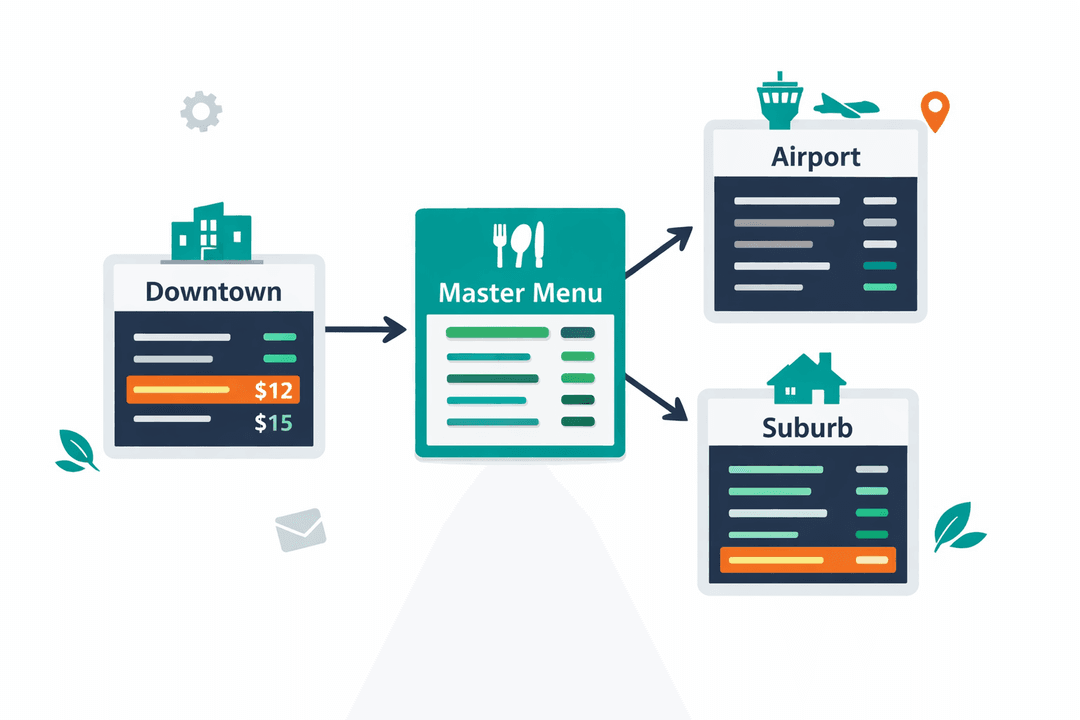
Your core menu is sacred. Push global updates to every location instantly so your flagship items are never priced or described incorrectly.
Regional Price Dominance
Your airport location can charge $5 more for a burger than your suburban location. Same global menu, localized pricing.
Role-Based Guardrails
Give your local GMs access to update their own location's out-of-stock items, while locking down your brand settings and core pricing.
Franchise War Room
Compare revenue, scan volume, and top-moving items across branches side by side. Figure out why Location 4 is underperforming.
How It Works
A closer look at how multi-location powers your restaurant.
The Master Menu Framework
Do not rebuild the same menu 50 times. Build your Master Menu once. From there, each location simply pulls from the master list. Hide items that are location-specific, adjust regional prices, but keep the core data totally centralized.
Consistent Brand, Local Flexibility
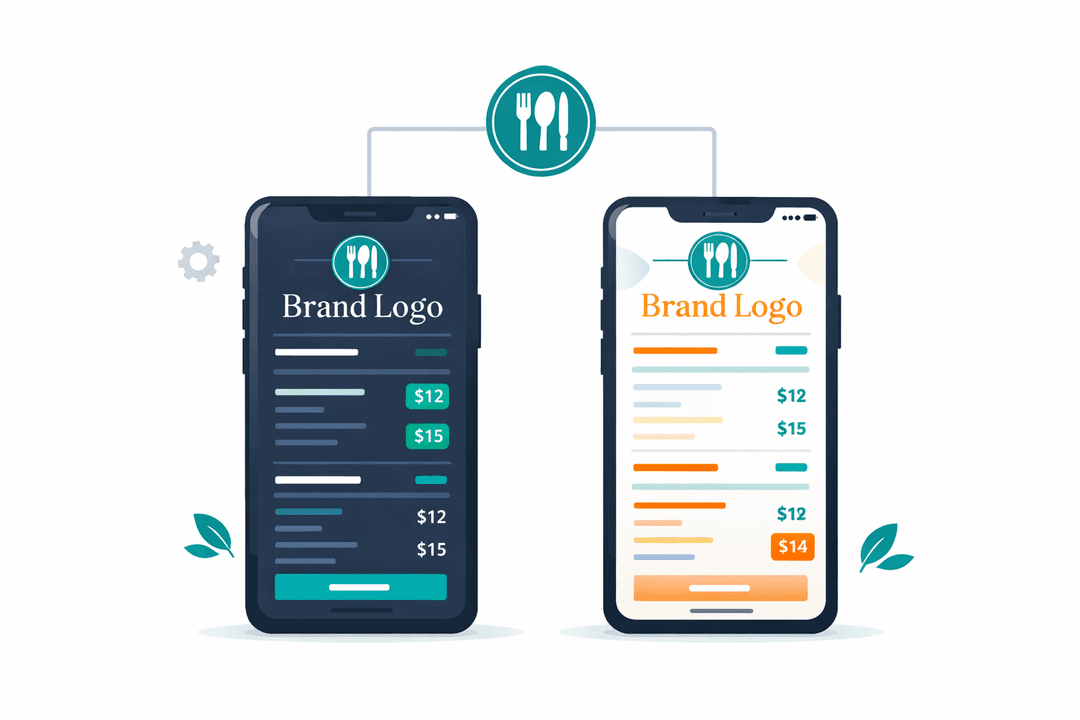
Every location shares the exact same brand logo, HEX colors, and premium fonts. But your beachside cocktail lounge can use a different layout template than your fine-dining flagship. Consistency where it matters, flexibility where it counts.
Test and Scale
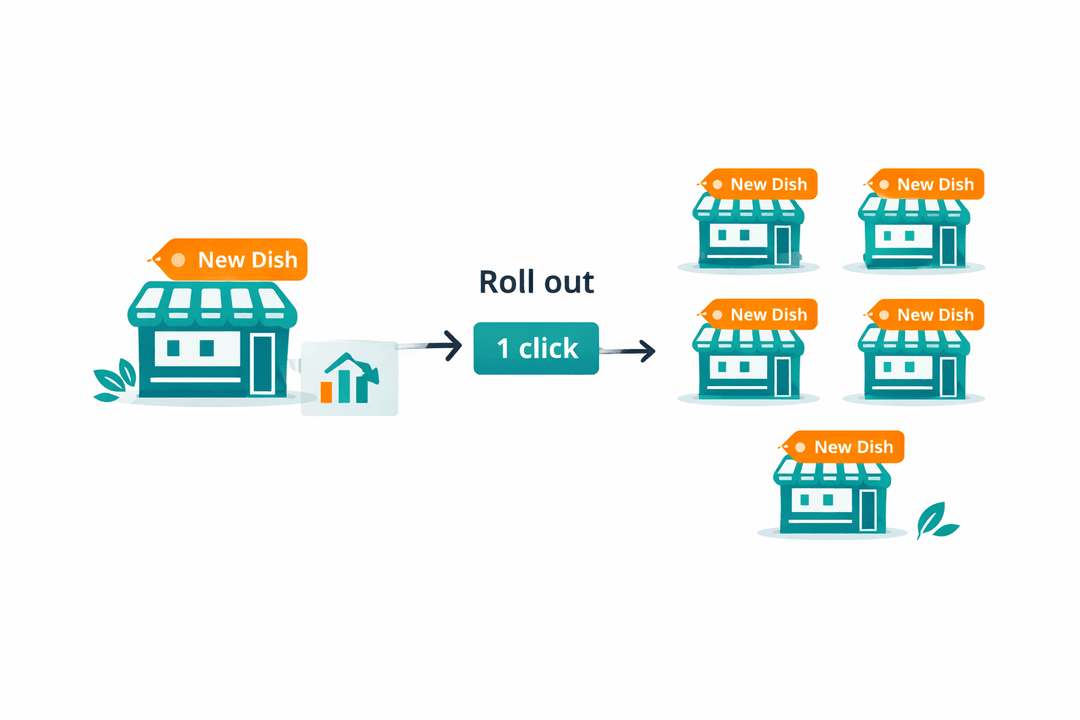
Want to launch a new Spicy Chicken Sandwich? Roll it out to a single location first. Watch the engagement metrics. If it crushes, push it to every branch in the country with a single click.
Built for Enterprise Dominance
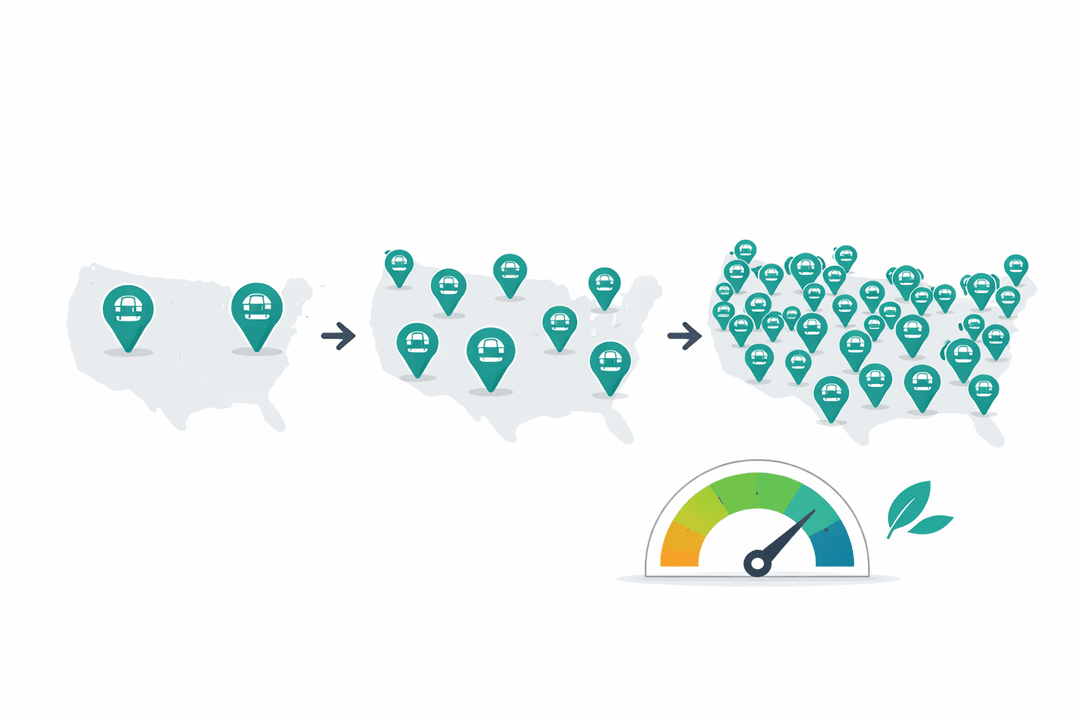
MenuClips handles 2 locations the exact same way it handles 200. Add new franchise branches to your portfolio as you scale without ever worrying about server limits or sluggish dashboard performance.
Get Started in Minutes
Setting up multi-location is quick and easy.
Add Locations
Enter your locations with their addresses and details.
Configure Each Location
Set per-location pricing, hours, and availability.
Assign Team Members
Invite staff and assign roles for each location.
Monitor & Optimize
Track performance across all locations from one dashboard.
Multi-Location FAQ
Common questions answered.
Pro plans support up to 5 locations. Enterprise plans have no limit — manage 5 or 500 from the same dashboard.
Yes. Start with a shared master menu, then override prices per location. Your airport spot can charge differently than your downtown location without duplicating the entire menu.
Yes. Role-based access lets you give each location manager access to only their branch. Owners and admins see everything across all locations.
Yes. Add an item to a single location, monitor its performance, and when it works, push it to all other locations with one click.
Related Features
Explore more tools that work great together.
Ready to Try Multi-Location?
Get started free today. No credit card required.
No credit card required · Free for 30 days · Cancel anytime