
Never Let a Guest Order Something You Do Not Have
Why Menu Display & Engagement?
Everything you need for menu display & engagement, built right in.
Zero Cache Delays
When you change a price or hide an item, it changes instantly for every phone currently browsing the floor.
The Panic Button
Run out of brisket at 7 PM? Whip out your phone, toggle the brisket item off, and it completely wipes it from the menu instantly.
Heatmap Tracking
Because each QR code is unique to the physical table, you can actually see exactly which sections of your restaurant are browsing the deepest.
Pattern Recognition
Know exactly when the brunch rush starts browsing your menus so you can time your kitchen prep to the absolute minute.
How It Works
A closer look at how menu display & engagement powers your restaurant.
Banish the "I Am So Sorry" Conversation
There is nothing that ruins a service interaction faster than apologizing because the kitchen ran out of the sea bass. Give your expo or head chef iPad access to instantly kill items from the menu the second the line runs out.
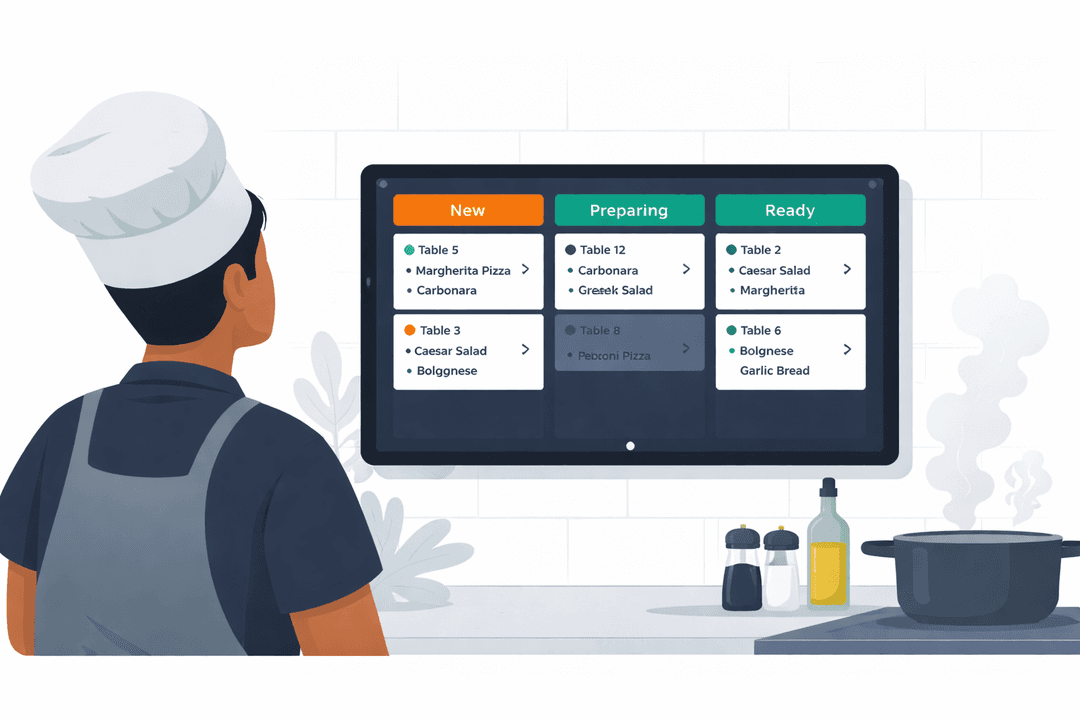
Weaponize Prominent Badges
Slap "Chef's Favorite" or "Sells Out Fast" badges on items you desperately need to move tonight. Psychological triggers on the menu display drastically shift ordering behavior.
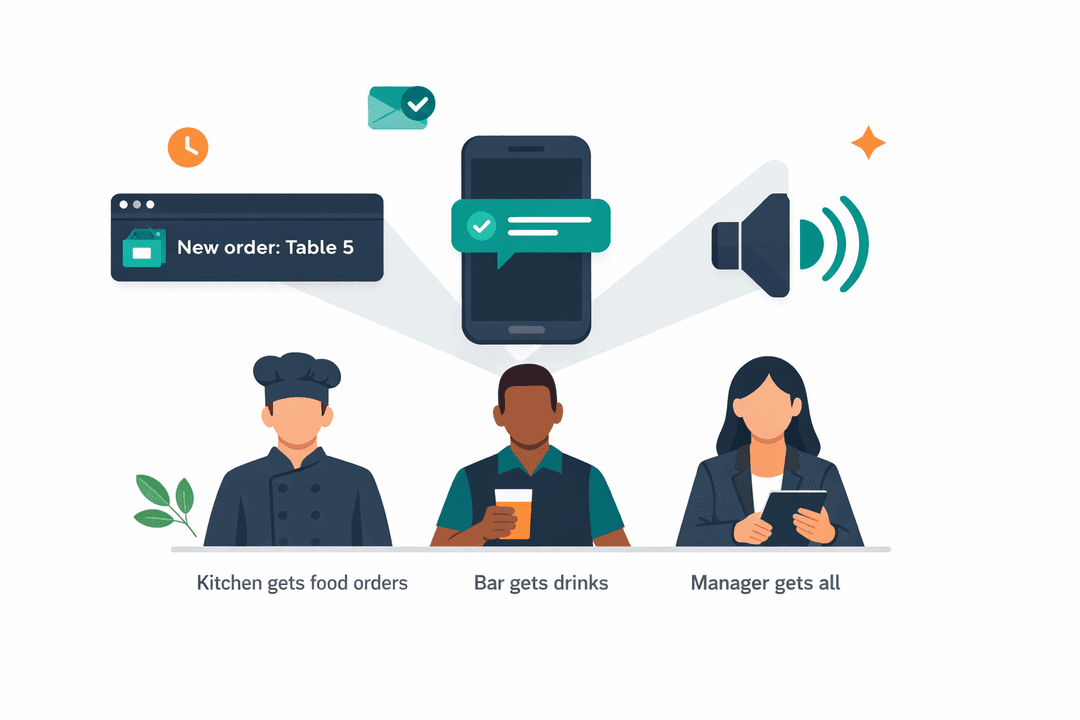
Robotic Menu Swapping
Forgot to swap the lunch menus out for the dinner service? Never again. Schedule your completely distinct Dinner Menu to automatically replace the Lunch Menu at 4:30 PM sharp.
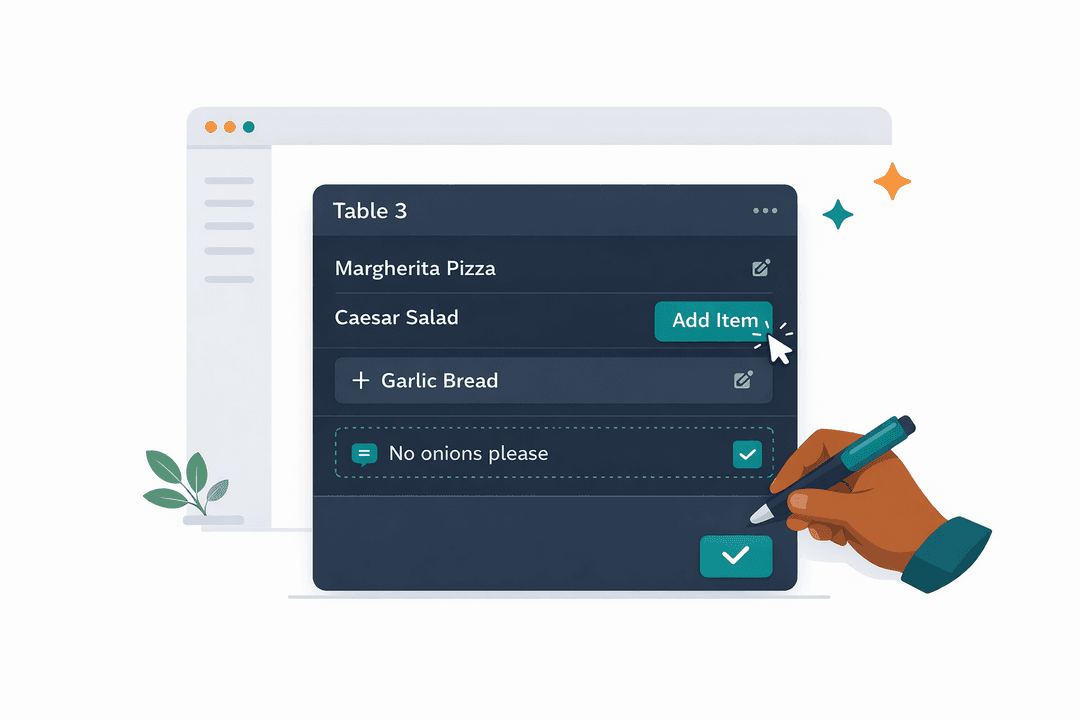
BOH & FOH Alignment
Because the dashboard is entirely cloud-based, the kitchen manager can toggle a dish off on his phone, and it updates the digital menu before the hostess even seats the next table.
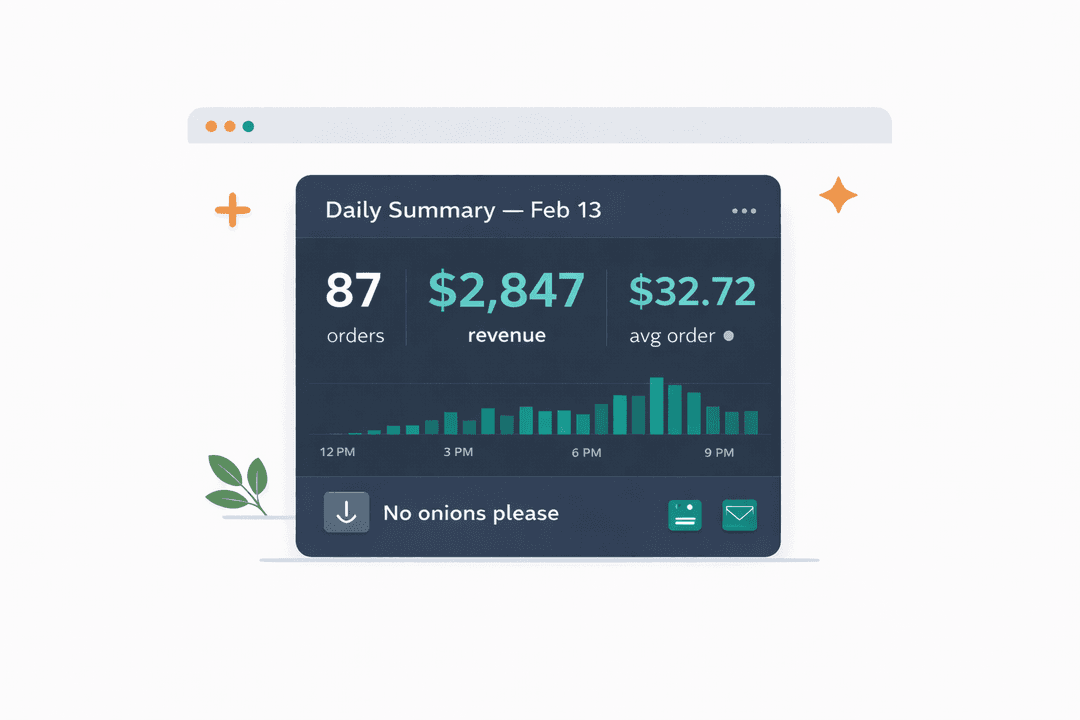
Get Started in Minutes
Setting up menu display & engagement is quick and easy.
Build Your Menu
Add categories, items, photos, and prices in the dashboard.
Generate QR Codes
Create a QR code for each table. Guests scan and see your menu.
Manage in Real-Time
Toggle availability, update prices, and highlight specials instantly.
Track Engagement
See scan counts, peak times, and menu activity in your dashboard.
Menu Display & Engagement FAQ
Common questions answered.
Yes, absolutely. Our Google Gemini-powered AI Menu Assistant allows customers to ask dietary and allergen-specific questions directly on the menu page. The AI scans your item details and answers instantly, keeping your staff focused on hospitality while giving guests complete peace of mind.
Instantly. The moment you save a change — whether updating a price, marking an item unavailable, or adding a new dish — every guest scanning your QR code sees the updated menu.
Yes. Toggle any item on or off directly from the dashboard. You can also mark items as featured, add badges, or hide entire categories based on time of day.
Yes. The dashboard is fully mobile-friendly. Team members with the right permissions can update availability and view menu status from any device.
Yes. Lunch menus, dinner menus, and happy hour specials can be scheduled to activate and deactivate automatically based on the times you set.
Related Features
Explore more tools that work great together.
Ready to Try Menu Display & Engagement?
Get started free today. No credit card required.
No credit card required · Free for 30 days · Cancel anytime