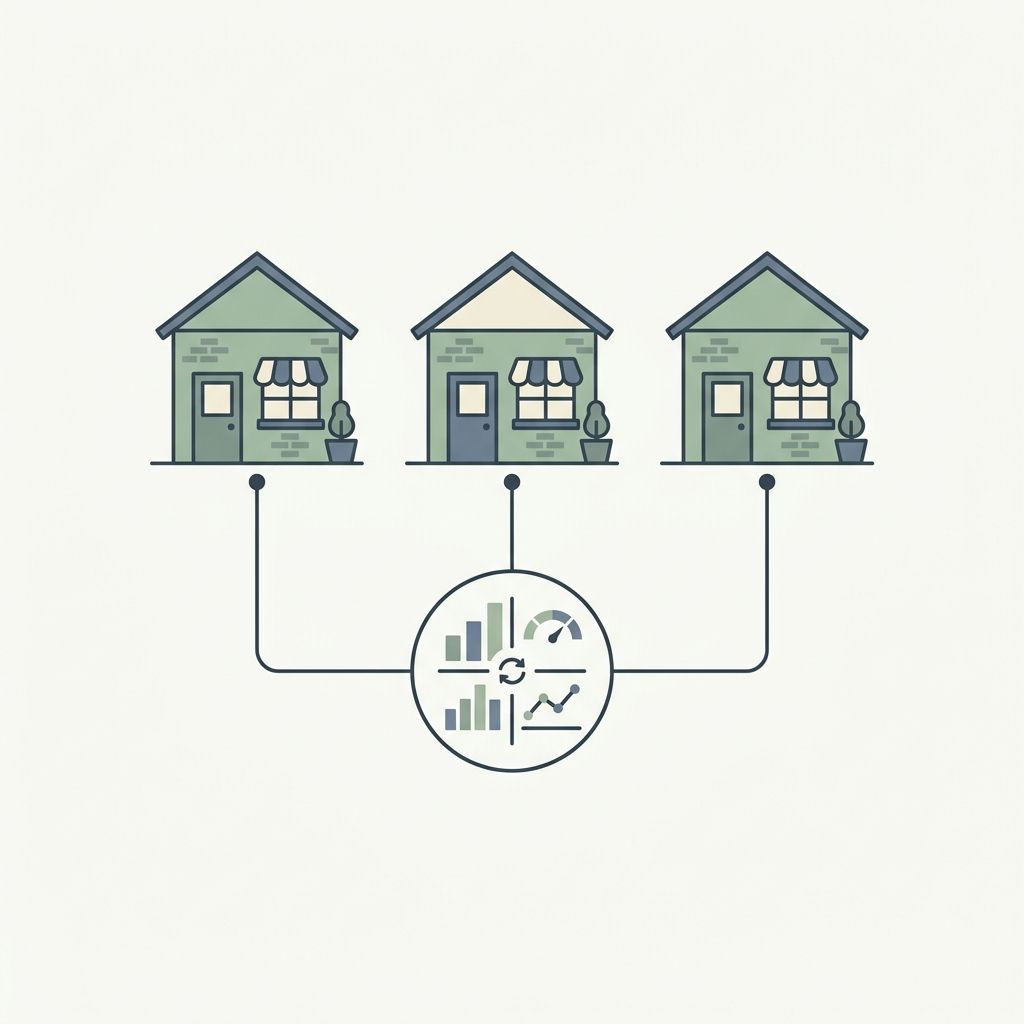
Scaling a restaurant brand from a single, bustling location to a second, third, or twentieth site is an incredible milestone. It is validation that your food, concept, and hospitality resonate with customers.
However, scaling also introduces a formidable challenge: operational drift.
When you operate multiple sites, ensuring consistency in branding, customer service, menu design, and pricing becomes exponentially harder. A menu change that took five minutes at one location now requires coordinating printing runs, shipping physical signage, updating multiple POS terminals, and retraining staff across several cities.
In this guide, we will explore the best practices for multi-location restaurant management and show you how to leverage modern digital menu tools to maintain absolute brand control while offering the flexibility your local teams need to thrive.
The Operational Bottleneck of Scale
In a single-unit restaurant, the owner or general manager is physically present to catch errors, update blackboard specials, and manually correct a typo on a printed menu.
At scale, this hands-on approach breaks down. Physical menus become a major bottleneck:
- Prohibitive printing costs: Updating a single price or removing a discontinued dish requires reprinting menus for all locations, costing hundreds of dollars each time.
- Lagging updates: If a supply chain issue affects your avocado supply, it can take days to get updated menus out to all sites, leading to frustrated customers ordering out-of-stock items.
- Inconsistent pricing: Different neighborhoods or cities have varying operational and ingredient costs, but managing localized pricing manually across separate locations is highly prone to human error.
To scale successfully, smart restaurant groups shift from manual operations to centralized digital systems.
Best Practice 1: Establish a "Master Menu" with Local Overrides
One of the most effective strategies in multi-location restaurant management is the Master Menu framework.
Instead of treating each location as a completely independent entity with its own separate menu configuration, you should maintain a centralized "Master Menu" that defines:
- Core item names and descriptions.
- Allergen information and dietary badges (Vegan, Gluten-Free, Contains Nuts).
- High-resolution photography and sensory copy.
When you launch a new seasonal entree or update a description, you push the update to the Master Menu once, and it instantly syncs to all locations.
The Power of Local Exceptions
While consistency is vital, absolute rigidity can harm your local business. Different locations need local flexibility:
- Localized Pricing: A location in a high-rent downtown district may need to price entrees 10% higher than a suburban location to maintain the same profit margins.
- Ingredient Availability: If a regional supplier runs out of fresh berries, your location in Delhi should be able to temporarily mark the berry tart as "Out of Stock" without affecting your locations in Mumbai or Bangalore.
- Regional Favorites: A brand operating across different states may want to offer state-specific drinks or specials that only appear on local menus.
How MenuClips Helps: Our platform is built from the ground up with multi-tenant, multi-location architecture. You manage all locations from a single dashboard. You can define a master menu, but easily customize pricing, toggle item availability, or add location-specific modifiers with a single tap for any individual site.
Best Practice 2: Standardize Branding, Personalize Local Details
Your brand identity is your most valuable asset. Whether a customer visits your flagship location or a newly opened franchise, they should instantly recognize your visual identity—the logos, typography, and cohesive color palette that define your personality.
On paper, this requires hiring brand auditors. Digitally, you can standardize this automatically.
- Unified Visual Templates: Use the same premium design layout across all location menus. If your brand is sleek and modern, every location’s digital menu should reflect that exact design system.
- Curated Theme Variables: Lock in your brand's specific logo and HSL color settings centrally. This ensures that no individual branch manager can accidentally change your brand's signature royal blue to a neon green.
Personalizing the Local Front Door
While the design remains unified, the local details must be personalized to help customers find you:
- Location-Specific Subdomains: Each location should have its own easy-to-remember subdomain (e.g., `indiranagar.yourcafe.com` or `bandra.yourcafe.com`).
- Local Contact & Hours: Ensure each location’s menu page displays its unique physical address, phone number, Google Maps link, and operating hours.
- Unique QR Codes: Generate unique, high-resolution QR codes for each location, making it easy to track scans and trace traffic back to specific physical tables or takeaway packaging at each site.
Best Practice 3: Implement Role-Based Access Control
As your restaurant group grows, you cannot—and should not—manage every single daily update yourself. You must delegate. However, delegating menu access without boundaries is a recipe for disaster. An untrained staff member could accidentally delete a category or misprice a high-value item.
The solution is Role-Based Access Control (RBAC):
1. Super Admin (Owners/HQ): Has full access to add new locations, modify master branding templates, adjust roles, and edit master menu items.
2. Location Manager (General Managers): Can toggle item availability at their specific location, edit local pricing overrides, and manage local staff accounts. They *cannot* modify the master branding or delete core items.
3. Location Staff (Servers/Hostesses): Can view analytics and toggle daily specials or out-of-stock items, but cannot change pricing or structure.
This tiered system empowers local managers to solve immediate table-side problems (like marking an item sold out) in real-time, while protecting the core brand integrity.
Best Practice 4: Leverage Clean Multi-Location Analytics
When you operate one restaurant, "gut feeling" is often enough to judge performance. At scale, data must guide your decisions.
Standardizing your menus digitally opens up a goldmine of comparative analytics:
- Identify Regional Favorites: If your downtown location sells three times as many salads as your suburban branch, you can adjust inventory and local prep sheets accordingly.
- Standardized Menu Performance: Because all locations use the same menu structure, you can compare item performances cleanly. If a particular entree is a best-seller at four locations but flops at the fifth, you know the issue lies in local kitchen execution or presentation rather than the dish itself.
- Analyze Search Intent: With the AI Menu Assistant, you can review the questions guests ask at each location. If guests at a specific branch are constantly asking "Do you have outdoor seating?" or "What is vegan?", you have actionable data to update that location's details or menu items.
Scaling Without the Complexity
Growth is the goal, but complexity is the enemy. By shifting from disjointed manual menus to a centralized, multi-location digital platform, you remove the friction of scaling.
MenuClips allows you to launch beautiful, unified digital storefronts for 1 to 50 locations in minutes. Maintain absolute brand control from head office, empower your local managers, and give your guests a premium, consistent dining experience—no matter which door they walk through.