# Multi-Location Restaurant Management: Best Practices for Digital Menus in 2026
Expanding your restaurant to a second, third, or tenth location is an incredible milestone. It proves that your concept works and that customers love your food. However, with expansion comes a massive operational challenge: multi-location restaurant management.
When you only have one location, updating a menu is simple. But when you have five locations—some with different pricing, some running out of specific ingredients, and others testing new seasonal dishes—keeping your digital presence synchronized can turn into a logistical nightmare.
In 2026, relying on email chains and decentralized PDF updates is no longer viable. Here is how modern restaurant groups are streamlining their digital menus to maintain brand consistency while allowing for local flexibility.
The Chaos of Decentralized Menus
If you do not have a centralized system for your digital menus, you have likely experienced one or more of these common multi-location headaches:
* Brand Inconsistency: Location A is using the new branded menu template, while Location B is still showing last year's PDF with outdated branding and old fonts.
* Pricing Discrepancies: A price increase was supposed to roll out across all stores, but a manager forgot to update the digital file for one location, leading to frustrated customers and lost revenue.
* The "86" Delay: When an ingredient runs out at one specific branch, it takes hours (or days) for someone at corporate to update that location's digital menu, leading to canceled orders and bad reviews.
The Solution: Centralized Digital Menu Management
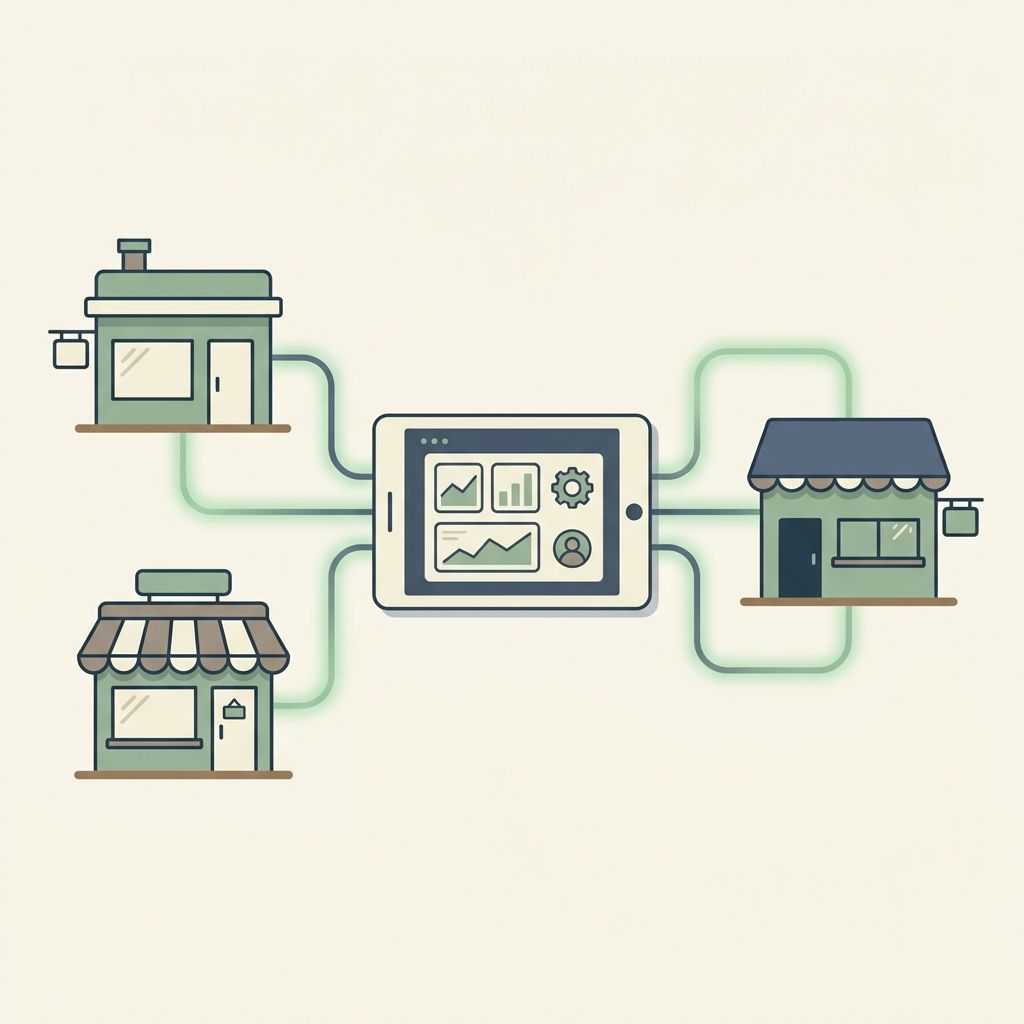
The key to successful multi-location restaurant management is adopting restaurant menu software that operates on a "hub-and-spoke" model. This means you have one centralized corporate dashboard (the hub) that pushes updates down to individual locations (the spokes).
By using a platform like MenuClips, you can manage fifty locations as easily as you manage one.
Best Practices for Multi-Location Menus
1. Maintain a Master Brand Identity
Your customers should feel the exact same vibe whether they scan a QR code at your downtown location or your suburban branch. Use global templates to lock in your brand's colors, typography, and logo. When corporate updates the master template, every location's menu updates instantly.
2. Allow for Localized Pricing and Availability
While the brand should be consistent, the data must be flexible. Rent and labor costs vary by neighborhood, which means your downtown location might need to charge 10% more for a burger than your suburban location. Your menu software must allow for location-specific pricing overrides without requiring a completely separate menu build.
*This flexibility is especially crucial for ghost kitchens operating multiple brands. Learn more in our guide on how cloud kitchens can build trust with digital storefronts.*
3. Delegate Access, But Keep Control
Restaurant owners cannot be responsible for marking a dish as "sold out" on a Friday night at a branch they aren't physically in. Give your local store managers restricted access to their specific location's dashboard so they can manage daily inventory (86'ing items) without giving them the ability to alter brand colors, delete items, or change global pricing.
Comparing Management Strategies
To understand the impact of upgrading your workflow in 2026, let's compare the traditional approach to a centralized digital management system.
| Capability | Traditional (PDFs & Spreadsheets) | Centralized (MenuClips) |
| :--- | :--- | :--- |
| Brand Updates | Requires redesigning and re-uploading PDFs for every store | Update the master template once; all stores inherit the new design instantly |
| Pricing Control | Hard to track; prone to human error across files | Set global prices or create specific local overrides from one dashboard |
| Out-of-Stock (86'ing) | Requires corporate intervention or confusing workarounds | Local managers can toggle items off in real-time from their phone |
| Analytics Tracking | Impossible to compare engagement across stores | Use multi location restaurant analytics to compare performance side-by-side |
If you want to dive deeper into evaluating software options for your restaurant group, check out our comparison of the best digital menu software for restaurants.
Scale Your Operations Without the Stress
Multi-location restaurant management doesn't have to mean multiplying your workload. By implementing a centralized digital menu system, you ensure that every guest gets a flawless, branded experience, no matter which door they walk through.
---
Frequently Asked Questions (FAQ)
Q: Do I need to create a completely new menu for every location if only the prices are different?
A: Not with the right software. Modern platforms allow you to build one master menu and simply apply a "location pricing override," saving you hours of duplicate work.
Q: Can I track analytics for individual locations from one account?
A: Yes. Centralized dashboards provide aggregate data for your entire brand, while also allowing you to drill down into specific multi location restaurant analytics to see how individual stores are performing.
Q: Is it difficult to switch to a centralized system if my locations are currently using different menus?
A: It is easier than you think. Because platforms like MenuClips don't require you to build a website, you can digitize your master menu once, generate unique QR codes or subdomains for each branch, and standardize your entire operation in an afternoon.