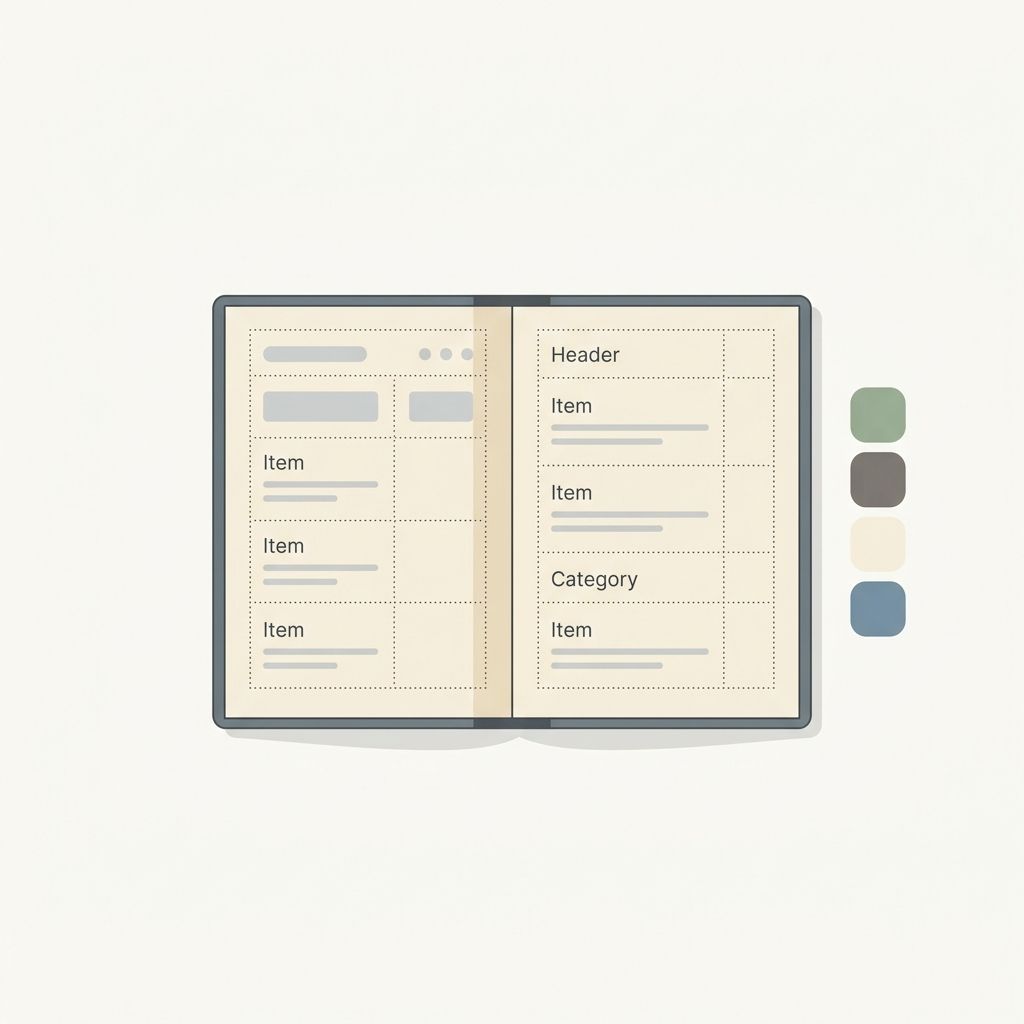
Your menu is not just a list of dishes and prices. It is the single most influential piece of marketing your restaurant produces. Every guest interacts with it, every design choice affects what they order, and small changes can drive outsized revenue results. In 2026, menu design has evolved significantly, blending proven psychology principles with digital-first thinking and data-driven optimization.
This guide covers everything you need to know to design a menu that sells. Once your design is ready, make sure you choose the best digital menu software to bring it to life.
Menu Psychology: How Guests Actually Read Your Menu
Decades of research into menu psychology reveal consistent patterns in how diners scan and process menu information. Understanding these patterns is the foundation of effective menu design.
The Golden Triangle
Eye-tracking studies show that guests typically look at the center of the menu first, then move to the top right, and finally to the top left. This pattern, known as the Golden Triangle, means the items placed in these three zones get the most attention. Your highest-margin dishes should live in these prime positions.
The Decoy Effect
Placing a very high-priced item near the top of a section makes everything else look more reasonable by comparison. This anchor item does not need to be your best seller. Its job is to shift the perception of value for the items around it. A $65 steak makes a $38 chicken dish feel like a smart choice.
The Paradox of Choice
Offering too many options per category leads to decision fatigue and slower ordering. Research consistently shows that seven to ten items per category is the sweet spot. Beyond that, guests feel overwhelmed and often default to safe, familiar choices rather than exploring higher-margin specialties.
Key principles to remember:
- Place high-margin items in the Golden Triangle zones
- Use a premium anchor item to frame surrounding prices
- Limit each category to seven to ten items maximum
- Highlight two to three items per section with visual cues
Layout and Visual Hierarchy
The structure and visual flow of your menu determine what guests notice, what they skip, and how quickly they make decisions.
Section Organization
Group items logically, but also strategically. Start with appetizers and shareables to encourage table-wide ordering before entrees. Place beverages in a position where they are visible early in the browsing experience, since drink orders have high margins and can be placed immediately.
Consider this ordering for maximum revenue impact:
- Starters and shareables (encourage group ordering)
- Beverages (high margin, immediate order opportunity)
- Entrees (your main revenue drivers)
- Sides and add-ons (incremental revenue)
- Desserts (end on a high note)
White Space and Readability
Cramming every available space with text is one of the most common menu design mistakes. White space is not wasted space. It directs the eye, creates a sense of quality, and makes individual items stand out. Generous spacing between items and sections makes the entire menu easier to scan and reduces cognitive load.
Callout Boxes and Icons
Drawing attention to specific items with subtle visual treatments works remarkably well. A light border, a "Chef's Pick" label, or a small icon indicating a popular dish can increase orders for that item by 15 to 25 percent. Use these sparingly, though. If everything is highlighted, nothing stands out.
The Power of Menu Photography
Photography on menus has long been debated, with some operators associating photos with casual or low-end dining. In 2026, that perception has shifted dramatically, especially in the digital context.
When Photos Work
On digital menus, high-quality photography is not optional. It is expected. Guests browsing a QR code menu on their phone are accustomed to visual content from every other app they use. A text-only digital menu feels incomplete.
The data supports this: menus with professional photos see 20 to 30 percent higher order rates on photographed items compared to text-only listings. The key is quality. A poorly lit, hastily snapped photo does more harm than no photo at all.
Photography Best Practices
- Hire a professional or invest in a quality setup with proper lighting
- Shoot from above (flat lay) for plated dishes to show the full presentation
- Use natural light or soft artificial light to avoid harsh shadows
- Style the plate as it would be served, including garnishes and accompaniments
- Maintain consistency in background, lighting, and angle across all photos
- Update regularly to reflect seasonal changes and current plating
Strategic Photo Placement
You do not need to photograph every item. Focus your photography budget on high-margin dishes, signature items, and anything that benefits from visual storytelling. A beautiful photo of your signature dessert at the end of the menu is worth more than average photos of every appetizer.
Pricing Strategy and Presentation
How you present prices affects guest spending as much as the prices themselves. Menu pricing is both an art and a science.
Drop the Dollar Sign
One of the most well-established findings in menu psychology is that removing the dollar sign from prices increases spending. The symbol activates the "pain of paying" in the guest's mind. Simply listing "32" instead of "$32" reduces that friction. Many upscale restaurants have adopted this approach, and it is increasingly common in casual dining as well.
Avoid Price Columns
When prices are aligned in a neat column on the right side of the menu, guests instinctively scan down the price column and choose based on cost rather than desire. Placing the price at the end of the item description, in the same font size, integrates it naturally into the reading flow and reduces price-driven decision making.
Nested Pricing for Bundles
Offering bundled options (a two-course lunch at a set price, or a "complete your meal" add-on for a few dollars more) increases average check size while giving guests a sense of value. Present these bundles prominently, and price them so the savings feel meaningful but your margins remain strong.
Strategic Price Points
- Price items in whole numbers or simple halves (28, 16.50) rather than complex decimals
- Avoid prices ending in .99, which feel promotional and undermine perceived quality
- Create clear price tiers within each category so guests can self-select their spend level
Digital-First Menu Design in 2026
The shift to digital menus has fundamentally changed how menu design should be approached. Designing for a phone screen is different from designing for a printed page, and the restaurants that embrace this distinction will outperform those that simply digitize their existing paper menu.
Design for the Scroll, Not the Page
Paper menus are constrained by physical dimensions. Digital menus are not. Take advantage of the vertical scroll to give each item the space it deserves. Include photos, detailed descriptions, dietary tags, and modifier options without worrying about running out of room.
Prioritize Mobile Readability
Most guests will view your digital menu on a phone screen that is five to seven inches wide. Font sizes, tap targets, and image dimensions all need to work at this scale. Test your menu on actual devices, not just desktop previews.
Mobile design essentials:
- Minimum 16px body text for comfortable reading
- Large, tappable category navigation
- Photos that load quickly and display clearly on small screens
- Clear visual separation between items
- Sticky navigation or a "back to top" button for long menus
Leverage Real-Time Capabilities
Digital menus can do things paper menus never could. Take advantage of features like:
- Daypart switching to show different menus for breakfast, lunch, and dinner automatically
- Real-time 86ing to hide sold-out items instantly
- Dynamic specials that can be launched and retired in minutes
- Seasonal rotations without any reprinting costs
- A/B testing different descriptions, photos, or item positions to optimize performance
Integrate Discovery and Engagement
The best digital menus in 2026 are not just passive lists. They are interactive experiences that let guests filter by dietary preference, search for ingredients, and view allergen information easily. This interactivity improves the guest experience while giving the restaurant valuable data on browsing behavior and menu popularities, without forcing expensive platform fees or complex POS integrations.
Putting It All Together
Great menu design in 2026 combines timeless psychology with modern technology. Start with solid fundamentals: strategic layout, clear hierarchy, compelling descriptions, and smart pricing. Then layer on the digital advantages: professional photography, real-time updates, data-driven optimization, and seamless discovery.
The restaurants that treat their menu as a living, optimizable sales tool rather than a static document will consistently outperform those that do not. Whether you are redesigning from scratch or refining what you have, every improvement to your menu is an investment in your revenue.
Platforms like MenuClips make it easy to build a digital-first menu that incorporates all of these principles. Upload your items, add photos, organize your layout, and publish a beautiful, high-converting menu in minutes. Then use built-in analytics to optimize over time and watch your revenue grow.