Introduction
In the modern dining experience, your digital menu is often your customer's first impression. A PDF menu that requires zooming in and out just won't cut it anymore.
A beautifully designed, mobile-first digital menu not only looks professional but actively helps increase your average ticket size. In this ultimate guide, we'll walk through the essential elements of effective digital menu design and how you can implement them today.
Why Mobile-First Design Matters
The vast majority of guests viewing your digital menu will be doing so on their smartphones. If your menu isn't optimized for smaller screens, you're creating a frustrating experience.
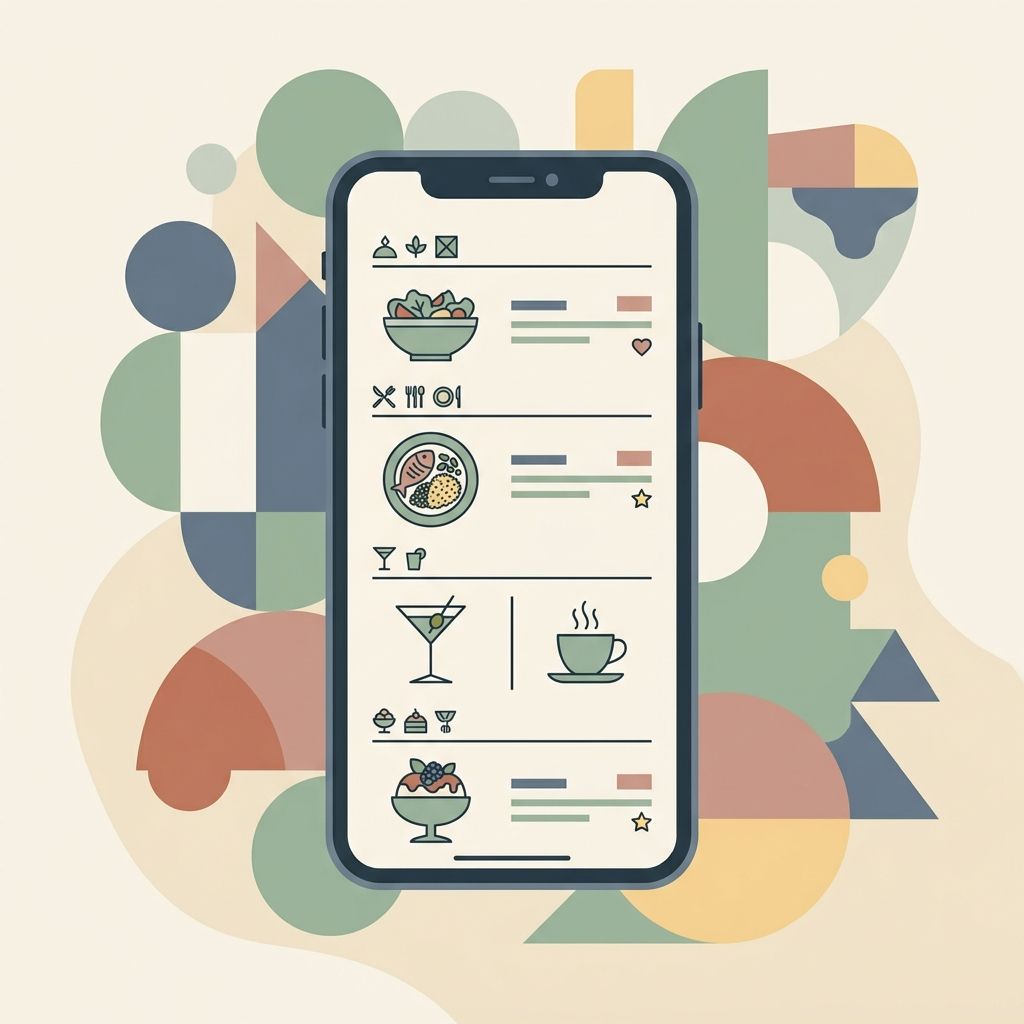
A true mobile-first digital menu requires no zooming. Guests can smoothly scroll through high-quality photos, clear categories, and easy-to-read descriptions. MenuClips provides beautiful, pre-designed templates that are automatically optimized for any device, ensuring your brand looks perfect every time.
Using Templates for a Professional Look
You don't need to hire a designer or learn to code to have a world-class digital menu. With the right restaurant menu software, you can launch a branded digital storefront in minutes.
MenuClips offers a variety of stunning templates tailored for different restaurant concepts. You simply select a template, add your brand colors and logo, and let the software handle the responsive design. No technical skills required.
Elements of a Great Menu Design
| Element | Best Practice | Benefit |
|---|---|---|
| Photos | Use high-quality, bright imagery for signature dishes. | Increases craveability and sales. |
| Descriptions | Use sensory language and highlight key ingredients. | Justifies premium pricing. |
| Dietary Badges | Clearly mark gluten-free, vegan, etc. | Reduces guest anxiety and staff questions. |
| Categories | Group items logically (e.g., Starters, Mains, Drinks). | Makes navigation effortless. |
Driving Sales with an AI Menu Assistant
A well-designed menu is more than just a list of items; it's a tool for discovery. When you combine strong design with an AI menu assistant, the results are powerful.
Customers can ask your menu questions about allergens and get personalized recommendations, such as wine pairings for their steak. This interactive experience delights guests and drives upsells automatically.
Key Takeaways
Your digital menu is a powerful sales tool. By focusing on mobile-first design, leveraging beautiful templates, and providing high-quality photos, you can create a digital presence that stands out. MenuClips makes it easy to build a professional digital menu in minutes, without a website or any coding.
---
Meta Title: The Ultimate Guide to Digital Restaurant Menu Design
Meta Description: Learn how to design a beautiful, mobile-first digital menu that drives sales, without needing any coding skills.
Primary Keyword: digital menu design software
Secondary Keywords: restaurant menu software, templates
Frequently Asked Questions
Do I need coding skills to design a digital menu?
No. Platforms like MenuClips use pre-designed templates, meaning no technical skills are required. You just upload your content.
Can I include photos for every dish?
Yes! A good digital menu allows unlimited high-quality, scrollable photos, which is a major advantage over paper menus.
How do guests access the menu?
Guests can simply scan a QR code at their table or visit your custom subdomain from their phones.