The phone rings again. Someone calling to ask what is on the lunch special, whether you have a gluten-free option, whether you are still open. Meanwhile your printed menus are three months out of date and reprinting costs $200 each time.
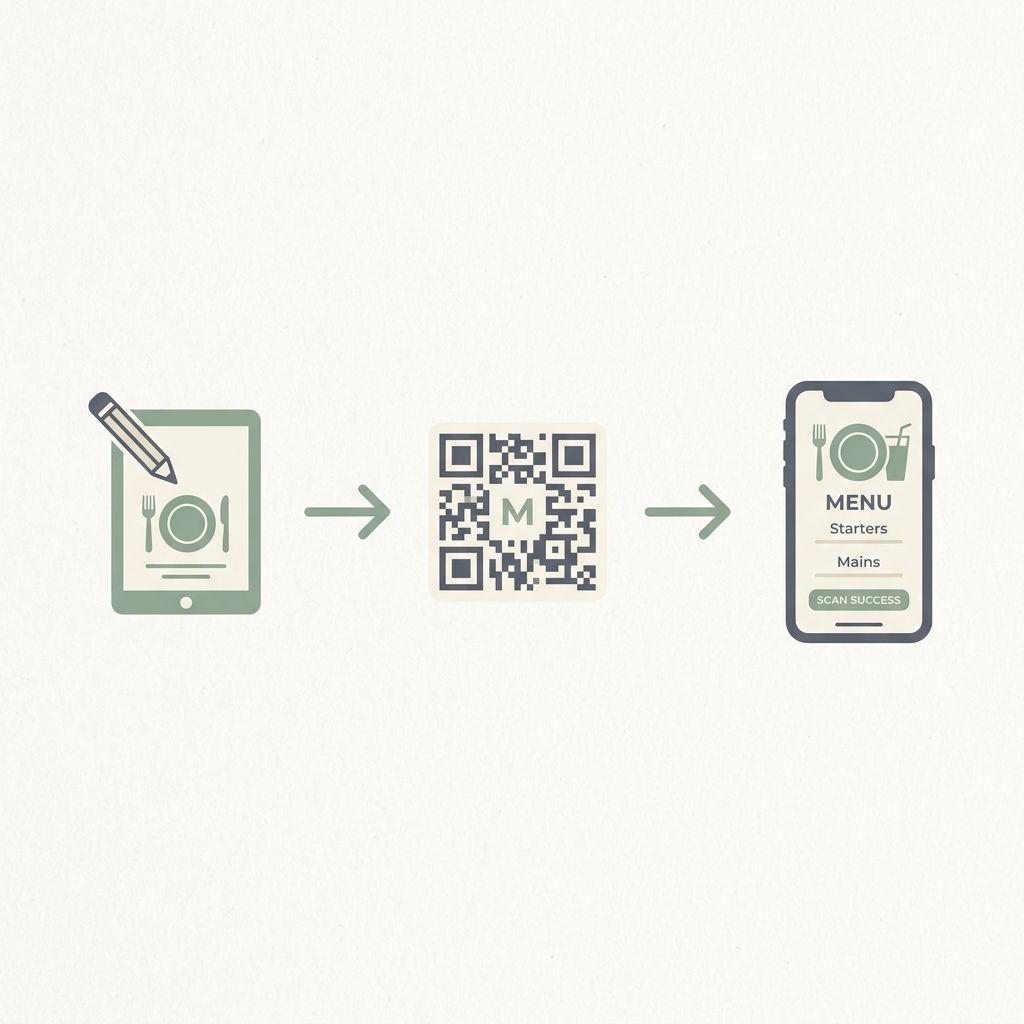
A QR menu solves all of this. Guests scan a code at the table or on your window, your menu loads instantly on their phone, and you can update it anytime from your laptop. No website needed. No developer. No technical knowledge.
Here is how to create one in under 30 minutes.
What You Need to Get Started
Nothing complicated. Just:
- A smartphone or laptop to set up your account
- Your menu items, prices, and descriptions
- Your restaurant logo (optional but recommended)
- A printer to print the QR code for your tables
No coding. No design skills. No domain registration.
Step 1: Choose the Right QR Menu Platform
Not all QR menu tools are the same. A basic free QR code generator just turns a URL into a QR code — it does not give you a proper menu. You need a platform that handles both the menu and the QR code together.
Look for:
- Professional menu templates (not a plain list of items)
- The ability to add photos to each dish
- Dietary and allergen labels
- Multi-location support if you have more than one branch
- AI assistance for customer questions about allergens and recommendations
- Analytics to see what guests are viewing most
MenuClips was built specifically for restaurants. You get all of the above, plus a branded subdomain and your own QR code, without writing a single line of code.
Step 2: Set Up Your Restaurant Profile
Sign up and fill in your restaurant basics — name, logo, location, contact details, and business hours. This takes about five minutes. Your profile powers your branded menu page: every guest who scans your QR code sees your name, logo, and branding.
Step 3: Choose a Template
MenuClips offers professionally designed templates for different restaurant types:
- Cafes and coffee shops
- Fine dining
- Cloud kitchens
- Bakeries
- Bars and lounges
- Food courts
Pick the one closest to your concept. You can customize the colors and fonts to match your existing brand. This is what separates a professional digital menu from a plain link.
Step 4: Build Your Menu
Add items organized by category. For each item you can include:
- Name and description
- Price
- Photo (strongly recommended — menus with photos see 20 to 30 percent higher order values)
- Dietary tags such as vegan, gluten-free, contains nuts
- Preparation time
- Availability toggle to mark items as sold out instantly
Start with your most popular categories first. You do not need to add everything before going live — you can add items progressively.
Step 5: Enable the AI Menu Assistant
This is where MenuClips goes beyond a basic QR menu. Guests can type questions directly into your menu:
- "What dishes are vegan?"
- "Is there anything nut-free for my child?"
- "What do you recommend if I like spicy food?"
The AI answers instantly, 24 hours a day, 7 days a week, based on the menu you have built. No staff time. No phone calls. Just guests who feel well looked after.
Step 6: Download and Display Your QR Code
Once your menu is live, MenuClips generates a QR code automatically. Download it and:
- Print it on table tent cards
- Add it to your front door or window
- Include it in your Instagram bio
- Add it to your Google Business Profile
- Print it on takeaway packaging
Every scan goes directly to your branded menu page. No app download required for your guests.
Step 7: Update Any Time
This is the part restaurant owners love most. When a dish sells out, mark it unavailable from your phone — guests see the change immediately. When you add a seasonal special, it is live the moment you save. No reprinting. No waiting.
Tips to Get the Most From Your QR Menu
- Add photos to every item — even a simple phone photo beats no photo. Menus with photos consistently outperform text-only menus.
- Keep descriptions concise — two to three lines is enough to entice without overwhelming.
- Check analytics weekly — see which items get the most views and move high-margin dishes to more prominent positions.
- Put the QR code everywhere — table, door, packaging, social media. More scans means more data and more engaged guests.
- Enable AI assistance — the dietary question feature alone reduces phone interruptions noticeably in the first week.
How Long Does It Take?
Most restaurants go from signup to live QR menu in under 30 minutes. If you have your menu details ready, it can be faster. There is no setup fee, no hardware to buy, and no contract.
Your guests deserve a menu experience as polished as your food. A QR menu is the simplest first step toward that.