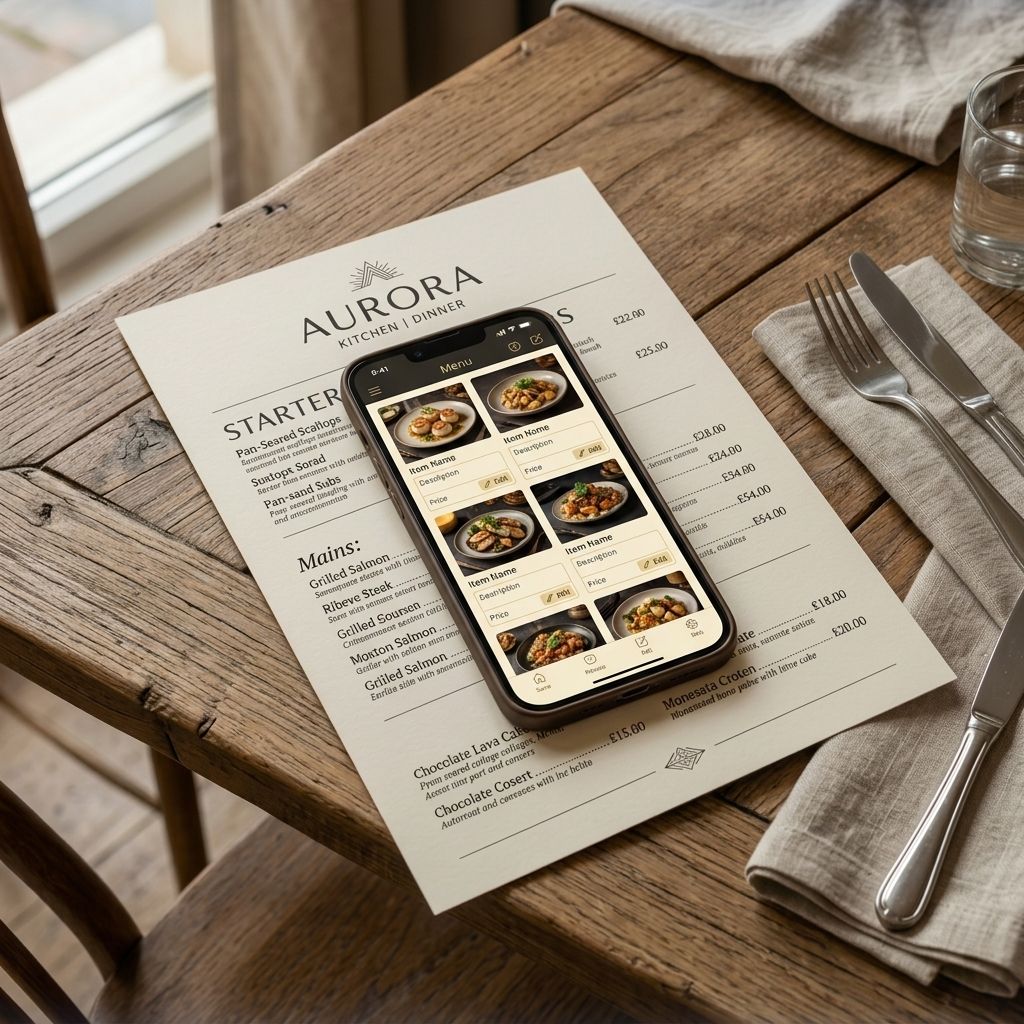
Introduction
A supplier raises prices. Your electricity bill spikes. Your cost of beef jumps 15% in a month. Every restaurant owner knows this moment: you need to raise your menu prices, but you dread the process.
With printed menus, that dread is justified. You have to update a Word doc or send a file to a designer. Wait for a proof. Approve it. Pay the print bill. Wait for delivery. Replace every single menu in every location. And then the next price change is six weeks away and you do the whole thing again.
There is a better way — and it takes about 30 seconds.
The Real Cost of Printed Menus
Most restaurant owners dramatically underestimate what their paper menus actually cost.
A mid-sized restaurant reprints menus 4–6 times per year on average — factoring in seasonal changes, price adjustments, 86'd items, and design refreshes. Each print run for a 60-cover restaurant typically costs:
- Design updates: £50–£150 per revision
- Printing (laminated, double-sided): £100–£400 per run
- Time: 2–4 hours per update cycle
- Waste: every outdated menu goes in the bin
That is easily £500–£2,500 per year just on menus that are always slightly out of date the moment they arrive.
And that is before you count the pain of running out of an item mid-service while the printed menu still shows it — with staff having to apologise to every table.
How Digital Menus Solve the Reprinting Problem
A digital menu lives online. When you update a price in your dashboard, every customer who scans your QR code sees the new price *immediately* — even if they scanned it one second earlier.
No print run. No design fee. No lag. No outdated menus sitting on tables.
Here is exactly how it works with MenuClips:
1. Open Your Dashboard (From Any Device)
Log into your MenuClips dashboard from your phone, tablet, or laptop. You do not need to be at the restaurant — this works from anywhere with an internet connection.
2. Find the Item You Want to Change
Use the search bar to find the specific dish or category. MenuClips supports bulk editing, so if you are raising prices across a whole category (say, all mains by 10%), you can do that in one action rather than editing item by item.
3. Make Your Change and Save
Update the price. Add a note if you want (useful for internal records). Hit save.
That is it. The change is live the moment you save. Every QR code in every location shows the updated price. Every customer browsing the menu right now on their phone sees the new figure.
4. No Reprinting Required
Your physical QR codes do not change — they just point to your menu, which has updated itself. The codes you printed six months ago work exactly as before. You never need to reprint the code itself, only if you want to update its design.
Managing Seasonal and Daily Specials
Beyond price changes, digital menus make managing daily specials and seasonal dishes dramatically easier.
Daily specials: Add a dish in the morning. Toggle it off at the end of service. It never appears as "unavailable" because you remove it entirely rather than crossing it out.
Seasonal menus: Build your winter menu alongside your summer menu. Schedule the switch to happen automatically on a specific date — or flip manually with one tap.
86'd items mid-service: Chef ran out of the catch of the day at 8 PM? Toggle the item off in 10 seconds. No more servers apologising to every table.
Multi-Location Price Updates
If you run more than one location, the power of digital menus compounds significantly.
With printed menus, a price change at five locations means five separate print runs, five separate deliveries, and five sets of staff replacing menus at each site.
With MenuClips, you update once and choose which locations the change applies to. You can:
- Push a price change to all locations simultaneously
- Keep location-specific prices (useful if your city centre has different pricing than your suburban site)
- Update a shared item description once and have it reflect everywhere
This is one of the core reasons growing restaurant groups move to digital menus — not just for cost savings, but for operational control at scale.
What About Customers Who Prefer Paper?
A small percentage of guests — typically older demographics — prefer a physical menu. You have two good options:
1. Keep a small number of printed menus for guests who ask. Just acknowledge they may not reflect the latest prices.
2. Print a simple one-page QR code card with your restaurant name and a note: *"Scan for our full menu."* This is dramatically cheaper than printing full menus and works for 95%+ of your guests.
Frequently Asked Questions
How long does it take to update a price on a digital menu?
About 30 seconds. Open the dashboard, find the item, update the price, save. The change is live immediately.
Do I need to reprint my QR codes when I update the menu?
No. QR codes link to your menu URL, not to specific prices. The codes you already have work forever — only the content of the menu changes.
Can I schedule a price increase in advance?
MenuClips supports scheduled publishing — you can set a price to change on a specific date and time without being there to do it manually.
What if different locations have different pricing?
You can set location-specific pricing. A price update you make to one location does not automatically apply to others unless you choose to push it.
Is there a limit to how many times I can update my menu?
No. Update as often as you need — daily, hourly if the situation calls for it. There is no extra charge for menu updates.
The Maths Are Simple
| Cost | Printed Menus | MenuClips |
|---|---|---|
| Price update | £100–300 per run | £0 |
| Seasonal refresh | £150–400 per run | £0 |
| 86 an item mid-service | Staff time + guest apologies | 10 seconds, zero friction |
| Annual total | £500–2,500 | Included in plan |
The MenuClips Growth plan is £49/month — less than most restaurants spend on a single print run.
Key Takeaways
Reprinting menus every time a price changes is expensive, slow, and entirely unnecessary. A digital menu lets you:
- Update any price in 30 seconds from any device
- Push changes to all locations simultaneously
- Toggle items on and off mid-service in real time
- Schedule seasonal menu changes in advance
The days of waiting two weeks for new menus to arrive — and then immediately finding a typo — are over.