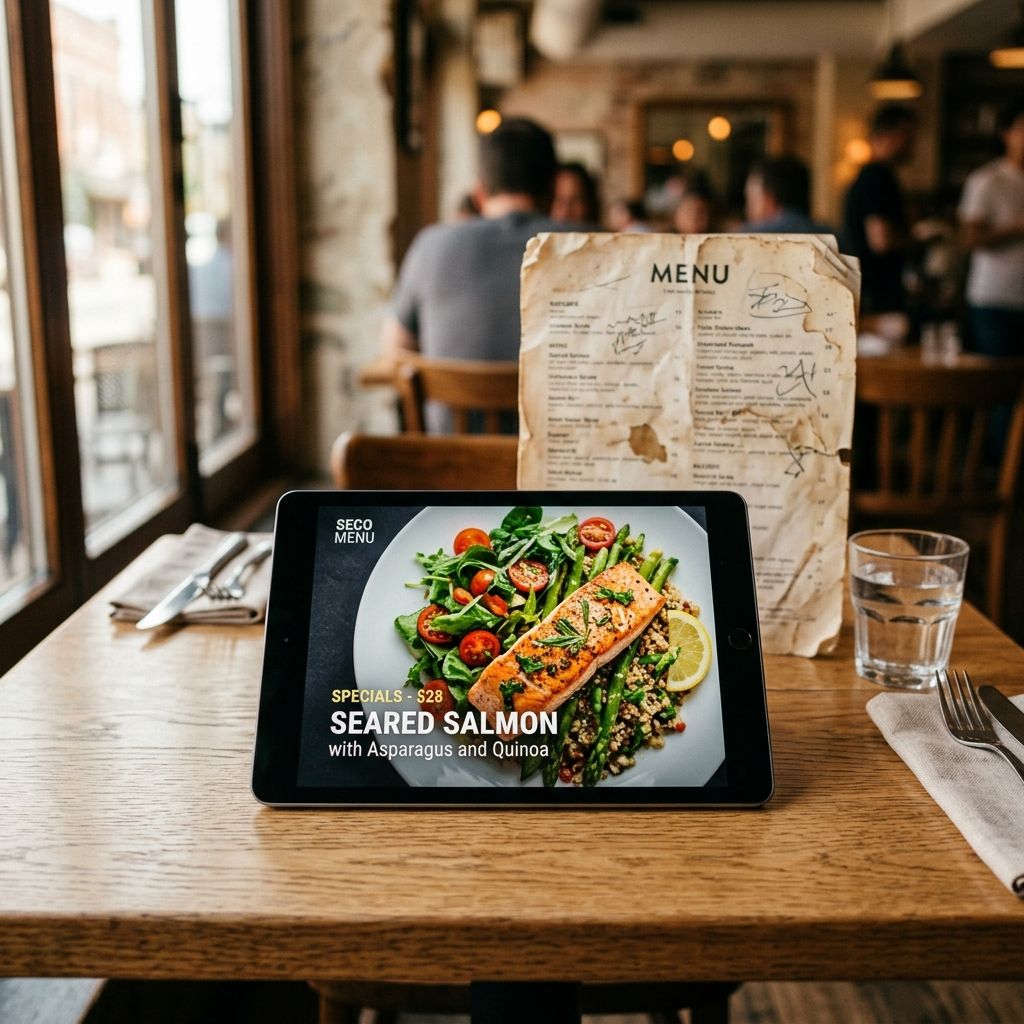
Every restaurant owner has experienced this exact frustration: You and your head chef spend weeks perfecting a phenomenal new dish. It has incredible flavor, excellent profit margins, and stellar reviews from your staff tastings.
You add it to the menu, launch it for Friday dinner service, and then... nothing happens. Guests continue ordering the exact same familiar burger or standard pasta dish they always order.
Why do objectively great menu items fail to sell? The answer rarely has to do with the food itself. In almost every case, the failure comes down to poor visibility and a lack of visual appearance on a traditional, text-heavy menu.
The Cognitive Trap of the Traditional Menu
When a diner is handed a dense, printed menu (or forced to download a text-heavy PDF on their smartphone), they experience cognitive overload.
Faced with 40 or 50 different text descriptions grouped tightly together, the human brain looks for a shortcut. Instead of reading every description carefully, the diner scans the page for familiar words: "Burger," "Caesar," "Pizza." Because your innovative new dish—or your high-margin specialty item—blends into a massive wall of black-and-white text, it becomes virtually invisible.
How Menus Dictate Ordering Behavior
| Menu Format | Diner Behavior | Sales Outcome |
| :--- | :--- | :--- |
| Dense Text-Only Menu | Scans for familiar, safe keywords | High sales of basic staples; low sales of specialties |
| Pinch-to-Zoom PDF on Mobile | Frustrated browsing, abandons exploration | Lowest average order value |
| MenuClips Visual Storefront | Lingers on high-res photos and featured carousels | Increased sales of signature and high-margin dishes |
1. Visual Proof Overcomes Ordering Hesitation
Guests are creatures of habit. When they are spending their hard-earned money, they want a guaranteed return on their investment. Ordering an unfamiliar dish from a text description feels like a risk. *What if the portion is too small? What if it looks weird?*
When you upgrade to a MenuClips digital storefront, you remove that risk entirely. By placing a high-resolution, beautifully lit photograph next to the item, you provide immediate visual proof. The guest no longer has to guess what the "Pan-Seared Halibut with Saffron Foam" looks like—they can see the glistening crust and vibrant colors right on their mobile screen.
Visual proof destroys ordering hesitation.
2. Escaping the "Buried in the Middle" Problem
In traditional menu layouts, items placed in the middle of a long category list suffer from the "attention valley." Guests read the first two items, skip to the last two items, and completely ignore everything in between.
If your new, high-margin item is sitting at the #4 spot in a list of 8 appetizers, it is mathematically destined to fail.
With a digital menu, you can instantly break items out of the "attention valley." MenuClips allows you to utilize dynamic layout engineering. You can pull an underperforming item out of its standard category and place it front-and-center in a highly visual "Featured Items" carousel at the top of the mobile screen. Suddenly, an item that was invisible becomes the very first thing every guest sees when they scan the QR code.
3. Creating Craveability with Rich Descriptions
A text-only menu forces you to be brief to save printing space. As a result, delicious dishes are reduced to dry ingredient lists: *"Chicken, rice, seasonal vegetables, soy glaze."*
Because a MenuClips storefront is a digital platform, you have infinite space to tell the culinary story. When a guest taps on the photo of your dish, a clean pop-up card appears where you can describe the 24-hour marination process, the local sourcing of the vegetables, and the specific flavor profile of the glaze.
Pairing a stunning visual with an evocative description transforms a "menu item" into an irresistible experience.
Frequently Asked Questions
Can I track if adding a photo actually increases sales?
Yes. The MenuClips analytics dashboard allows you to see exactly which items guests are tapping on. You can easily compare the engagement of an item before and after adding a high-resolution photo to your digital menu.
I don't have professional photos for every item. What should I do?
Start with your most profitable or most frequently ignored items. You do not need a photo for common staples like French fries. Focus your visual real estate on the signature dishes you actively want to sell more of.
How quickly can I highlight an underperforming item?
Instantly. If a dish isn't selling by midway through dinner service, your manager can log into the MenuClips dashboard and promote that dish to the top "Featured" section in less than 30 seconds. The change updates live on every guest's smartphone immediately.
Stop Hiding Your Best Food
If your culinary team is putting out incredible dishes, your menu needs to do them justice. By replacing your text-heavy PDFs with a visually striking MenuClips digital storefront, you guarantee that every dish gets the spotlight it deserves.