Your customer is sitting in their car outside your restaurant right now. They searched "menu" on Google, found your listing, and tapped the link. What did they find?
If the answer is a blurry PDF, a Swiggy page with someone else's ads, or a "menu coming soon" placeholder — you just lost them.
Getting your restaurant menu online sounds simple. In practice, most restaurants get it wrong. A PDF is not an online menu. A delivery app listing is not your digital presence. And a WhatsApp photo of your printed menu is definitely not good enough in 2026.
Here is exactly what an online menu should do — and how to set one up properly, without needing a website, a developer, or any technical skills.
Why Your Restaurant Needs an Online Menu (Not Just a PDF)
The instinct many restaurant owners have is to scan their printed menu and upload it as a PDF. It takes five minutes and feels like the job is done. It is not.
Here is the problem with PDF menus:
- They are invisible to Google. Search engines cannot read the text inside a PDF image. Your dishes, dietary options, and descriptions do not appear in search results.
- They are painful on mobile. A PDF designed for A4 paper is impossible to read on a phone without constant zooming and scrolling. Most visitors leave within seconds.
- They are always out of date. Every price change or new item requires a new upload. In the meantime, customers order dishes you no longer serve or complain about wrong prices.
- They kill credibility. A pixelated PDF tells customers your restaurant does not take its digital presence seriously.
A proper online menu solves all of these problems — and adds capabilities a printed menu could never offer.
What a Proper Online Restaurant Menu Looks Like
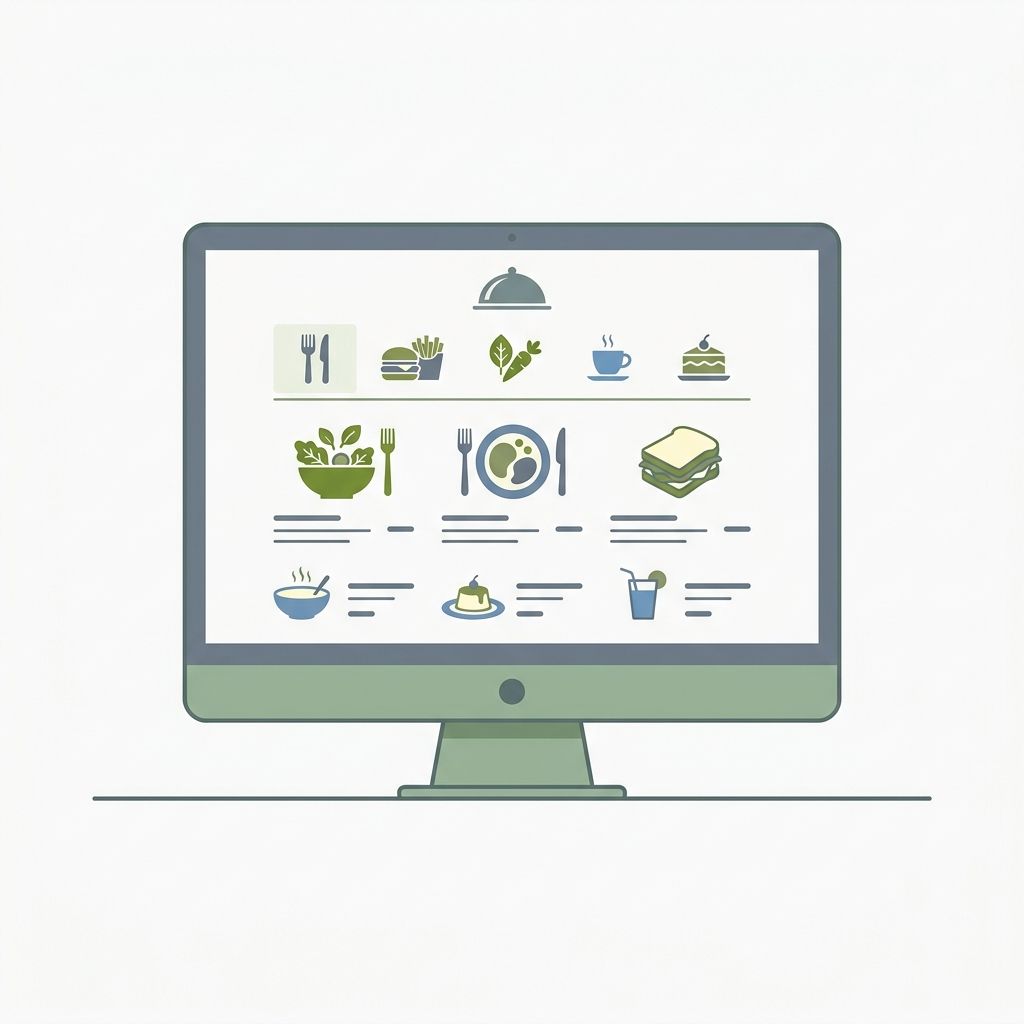
A great online menu for a restaurant is not just a list of dishes on a webpage. It is a living, branded experience that works on any device and gives your customers the information they need to say yes.
Here is what it includes:
Beautiful, mobile-first design. Your menu loads instantly on a phone and is easy to navigate with a thumb. Items are clearly organized by category. Photos make every dish look as good as it actually tastes.
Real-time availability. When the kitchen runs out of the special, you mark it unavailable in seconds. Customers see accurate information, every time, without calling the front desk.
Dietary and allergen information. Filters for vegan, gluten-free, contains nuts, and other dietary needs are built in. A customer with an allergy does not need to call — they can check instantly.
AI-powered answers. Customers can type questions directly into the menu — "What is in the pasta sauce?" or "Do you have anything dairy-free?" — and get instant, accurate answers based on your actual menu. This reduces phone interruptions and builds trust.
Your branding, not someone else's. Your name, logo, and colors are front and center. Not a delivery app's colors. Not a generic template. Your restaurant, your identity.
A shareable link and QR code. Every customer who scans the QR code at your table — or taps a link in your Instagram bio, your Google Business profile, or your packaging — goes directly to your branded menu page.
How to Create an Online Menu for Your Restaurant in Under 30 Minutes
You do not need a website. You do not need a developer. You do not need to hire a designer. Here is the step-by-step process using MenuClips.
Step 1: Sign Up and Set Up Your Profile
Create your MenuClips account and fill in your restaurant basics — name, logo, location, and opening hours. This becomes your branded digital storefront. Every customer who visits your online menu sees your branding, not ours.
This takes about five minutes.
Step 2: Choose a Template
MenuClips offers professionally designed templates built specifically for different restaurant types:
- Cafes and coffee shops
- Fine dining restaurants
- Cloud kitchens and delivery-first concepts
- Bakeries and patisseries
- Bars and lounges
- Food courts and multi-concept venues
Pick the template that fits your concept. Customize the colors and fonts to match your existing brand. The result looks like a custom-built website — without the cost or the wait.
Step 3: Add Your Menu Items
Build your menu category by category. For each item, add:
- Name and description (two to three sentences is ideal)
- Price
- A photo (even a good phone photo makes a significant difference — menus with photos see 20 to 30 percent higher engagement)
- Dietary tags: vegan, vegetarian, gluten-free, contains nuts, spicy
- Preparation time
- An availability toggle, so you can instantly hide sold-out items
Start with your most popular sections and go live quickly. You can always add more items progressively.
Step 4: Enable the AI Menu Assistant
This is where your online menu goes beyond a static page. Customers can type questions into your menu and get instant answers about ingredients, allergens, recommendations, and more — 24 hours a day.
For a restaurant owner, this means fewer interruptions during busy service and more confident customers who order adventurously rather than defaulting to the safest option.
Step 5: Go Live and Share Your Menu Everywhere
Once your menu is live, MenuClips gives you:
- A branded link — something like yourrestaurant.menuclips.com — that you can share anywhere
- A QR code ready to print and place on tables, at your door, on takeaway packaging, and in social media posts
Put your menu link in your Google Business Profile description. Add it to your Instagram bio. Print the QR code on your table cards and your receipt footer. The more places customers can find your menu, the more often they will engage with it before and after their visit.
The Difference Between a PDF Menu and a Real Online Menu
| | PDF Menu | Online Menu (MenuClips) |
|---|---|---|
| Mobile-friendly | ❌ Often broken | ✅ Optimized for every screen |
| Google-indexable | ❌ No | ✅ Yes |
| Real-time updates | ❌ Manual re-upload | ✅ Instant, from your phone |
| Photos per item | ❌ No | ✅ Yes |
| Dietary filters | ❌ No | ✅ Built-in |
| AI customer Q&A | ❌ No | ✅ 24/7 instant answers |
| Your branding | ❌ Generic | ✅ Fully branded |
| Analytics | ❌ None | ✅ Item views, popular dishes |
| Update cost | ❌ Reprint every time | ✅ Free, instant |
Common Mistakes to Avoid
Mistake 1: Using a delivery app as your menu.
Swiggy, Zomato, and other delivery platforms are useful distribution channels. They are not your online menu. When a customer finds your menu on a delivery app, they see competitor ads, promotions for other restaurants, and a checkout flow that takes a commission on every order. Your online menu should be yours — branded, direct, and commission-free.
Mistake 2: Linking to a photo on social media.
An Instagram post of your menu is not findable, not searchable, and not updatable without posting again. It is a dead end for anyone who finds it a week later.
Mistake 3: Skipping photos.
Text-only menus convert significantly worse than menus with images. You do not need professional food photography to start — a well-lit phone photo for each category is enough to make a meaningful difference.
Mistake 4: Never updating it.
An online menu that still shows last season's specials or items you stopped serving six months ago erodes trust. Set a reminder to review your digital menu every time you update your printed one.
What Customers Expect from Your Online Menu in 2026
Guest expectations have shifted dramatically. Customers now check a restaurant's menu before deciding whether to visit, while making a reservation, and again when they arrive at the table. They expect:
- Instant load times on mobile
- Clear photos for at least the main dishes
- Accurate pricing (not "prices may vary")
- Dietary information without needing to ask a server
- Easy navigation between categories
Meeting these expectations is not a luxury. It is the baseline for competing for today's diners.
Getting Started Today
The biggest mistake restaurant owners make with online menus is waiting. Waiting until they have professional photos. Waiting until they redesign the full menu. Waiting until they have time to figure out the technology.
Start now with what you have. MenuClips gets you from zero to a live, branded online menu in under 30 minutes. Add photos as you get them. Refine the descriptions over time. Turn on AI assistance and watch the customer questions you used to answer by phone disappear.
Your online menu is the first impression most new customers get of your restaurant. Make it the best one you can — and then keep making it better.
Ready to put your restaurant menu online the right way? Get started with MenuClips for free — no credit card required.