Introduction
You Google your own restaurant. Your listing pops up — name, address, phone number, hours. Good.
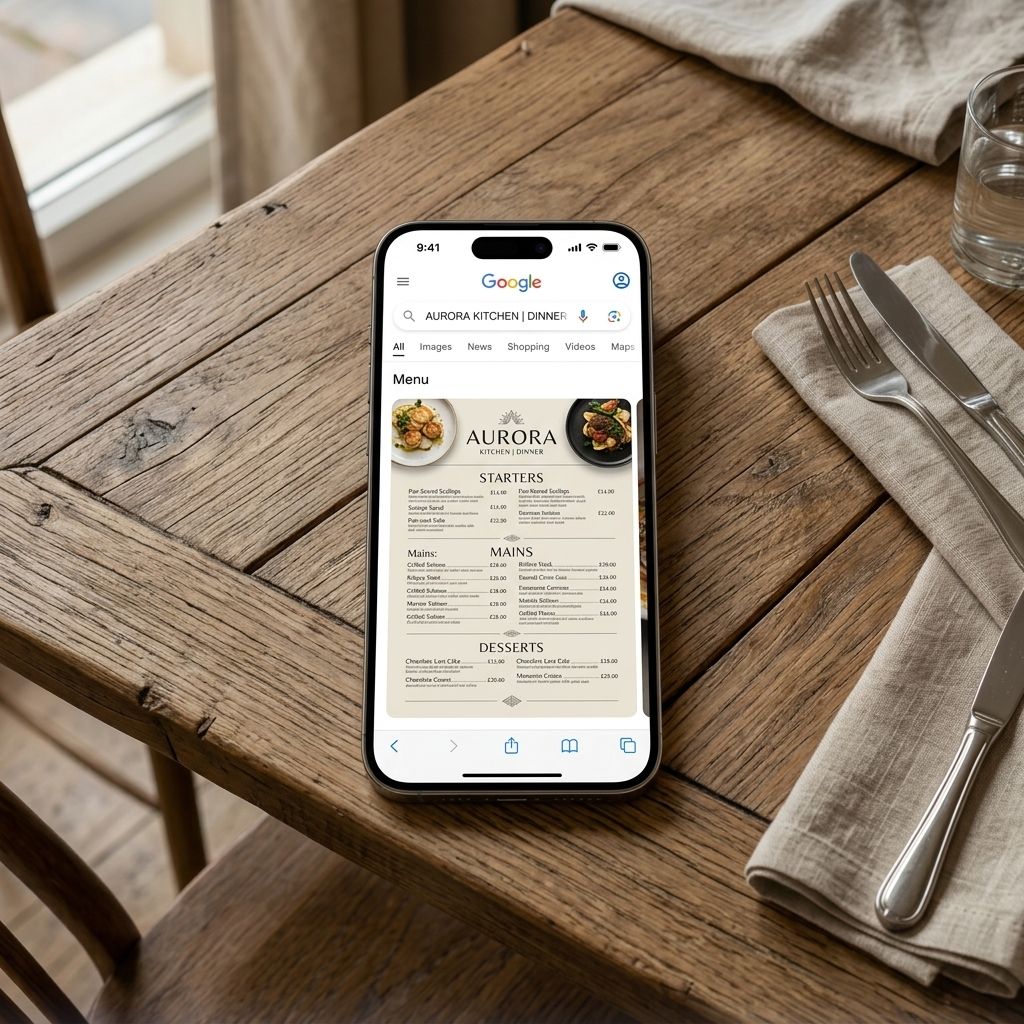
But then you notice something. Your competitors have their full menus sitting right there in the search result — photos of dishes, prices, the works. Customers can browse before they even click.
Yours? Nothing. Just a link that goes nowhere useful.
If your restaurant menu isn't showing on Google, you're losing customers at the exact moment they're deciding where to eat. This guide explains exactly why it happens and what to do about it today.
Why Google Shows Menus in Search Results (And Why Yours Isn't There)
Google wants to give searchers the most useful result as fast as possible. When someone searches "Italian restaurants near me," Google tries to show not just a list — but enough information to make a decision without extra clicks.
That means Google actively looks for menu data to display. It pulls from:
1. Your Google Business Profile — if you've added a menu link there
2. Third-party sites — Yelp, TripAdvisor, Zomato, and others Google crawls
3. Your website — if you have structured menu data or a well-formatted menu page
4. Schema markup — technical code that tells Google "this is menu content"
If none of these have accurate, up-to-date menu data attached to your listing, your menu won't appear. Google doesn't guess.
The 5 Most Common Reasons Your Menu Isn't Showing
1. You Haven't Added a Menu Link to Google Business Profile
The most common culprit. Google Business Profile has a dedicated field for your menu URL. If it's blank — or pointing to an old PDF, dead link, or your homepage — Google has nothing to show.
Fix: Log in → "Edit Profile" → "Business information" → "Links." Add your menu URL in the "Menu link" field.
2. Your Menu Is a PDF
PDFs are hard for Google to index properly. Google can technically read PDFs, but doesn't display them in the rich menu preview format. A PDF also doesn't update automatically — so Google might be showing an old version, or nothing at all.
Fix: Switch to a hosted digital menu that lives at a proper URL. This gives Google a real, crawlable web page to index.
3. Your Menu URL Changes Every Time You Update It
Some owners update their menu by uploading a new PDF and linking to it — which changes the URL every time. Google indexed the old URL. The new one doesn't exist yet. Result: broken link, no menu in search.
Fix: Use a digital menu platform where the URL stays the same forever, and only the content changes. The link in Google Business Profile stays identical — Google keeps finding it.
4. Third-Party Sites Have Outdated Data
Yelp, TripAdvisor, and Zomato often have old menu information. Google sometimes pulls from these. If what's on Yelp contradicts your own site, Google gets confused and may show nothing.
Fix: Claim and update your listings on major third-party sites. Make sure your menu link is consistent everywhere.
5. Your Website Has No Proper Menu Page
If your menu is buried in a PDF download, behind a nav link no one clicks, or written in plain text with no structure — Google can't make sense of it.
Fix: Create a dedicated `/menu` page, or link to your digital menu platform from a well-structured page. No website at all? A hosted digital menu platform is your fastest route.
Step-by-Step: How to Get Your Menu Showing on Google
Step 1: Set Up a Proper Digital Menu
Start here if you're using a PDF or have no digital menu. Create a hosted digital menu that lives at a stable URL, loads fast on mobile, and updates in real time.
With MenuClips, this takes about 20 minutes. You get a clean URL that Google can crawl and index.
Step 2: Add Your Menu URL to Google Business Profile
1. Go to business.google.com
2. Select your restaurant
3. Click "Edit Profile" → "Business information" → "Links"
4. Add your menu URL in the "Menu link" field
5. Save
Google typically indexes this within 3–7 days.
Step 3: Update Every Third-Party Listing
- Yelp → "Business Information" → "Menu"
- TripAdvisor → "Manage your listing" → "Menus"
- Zomato → "Restaurant details" → "Menu"
- Facebook → "Edit Page" → "Menu"
Consistency matters. Same URL, everywhere.
Step 4: Request Reindexing in Google Search Console
Paste your menu URL into the URL Inspection tool and click "Request Indexing." This tells Google to crawl it now.
Step 5: Wait 3–10 Days and Monitor
Check your Google Business Profile listing — sometimes the menu preview appears there before it shows in general search results.
Make Your Menu Look Great When It Does Show
When Google shows your menu, customers see:
- Dish names and prices
- Descriptions (if you have them)
- Photos (if your menu platform supports them)
A menu with mouth-watering descriptions and real food photography converts far better than a bare list. See how to write descriptions that actually make people hungry.
Frequently Asked Questions
Why does my competitor's menu show but mine doesn't?
They've added their menu URL to Google Business Profile, or their website has a well-structured menu page. The Google Business Profile link is the fastest thing to fix.
Can I add a PDF menu to Google Business Profile?
Technically yes, but it won't display as a rich preview. Google prefers a web page. Use a hosted digital menu.
My menu URL is on Google Business Profile but still not showing. Why?
Check the link works on your phone. Make sure it's not a PDF or login-gated page. If it's a valid web page, request reindexing via Search Console and wait 3–7 days.
Does having a digital menu help with Google rankings?
Yes, indirectly. A proper digital menu page is indexed content. If it's well-written with dish names, descriptions, and keywords customers search, it contributes to your search presence.
What's the best way to keep my Google menu up to date?
Use a digital menu platform where the URL never changes but the content does. When you update your menu, Google eventually crawls the updated version automatically.
The Takeaway
If your restaurant menu isn't showing on Google, the fix is usually straightforward: add a real, stable menu URL to your Google Business Profile.
The bigger upgrade — one that also improves the experience when customers click — is switching to a proper digital menu platform that loads fast, looks beautiful, and lets you update instantly.
Your menu is one of your most powerful sales tools. Make sure Google can find it.
Set up your digital menu and get it on Google with MenuClips →