Introduction
You've set up your digital menu. Guests can scan it at the table. It looks great. Done, right?
Not quite.
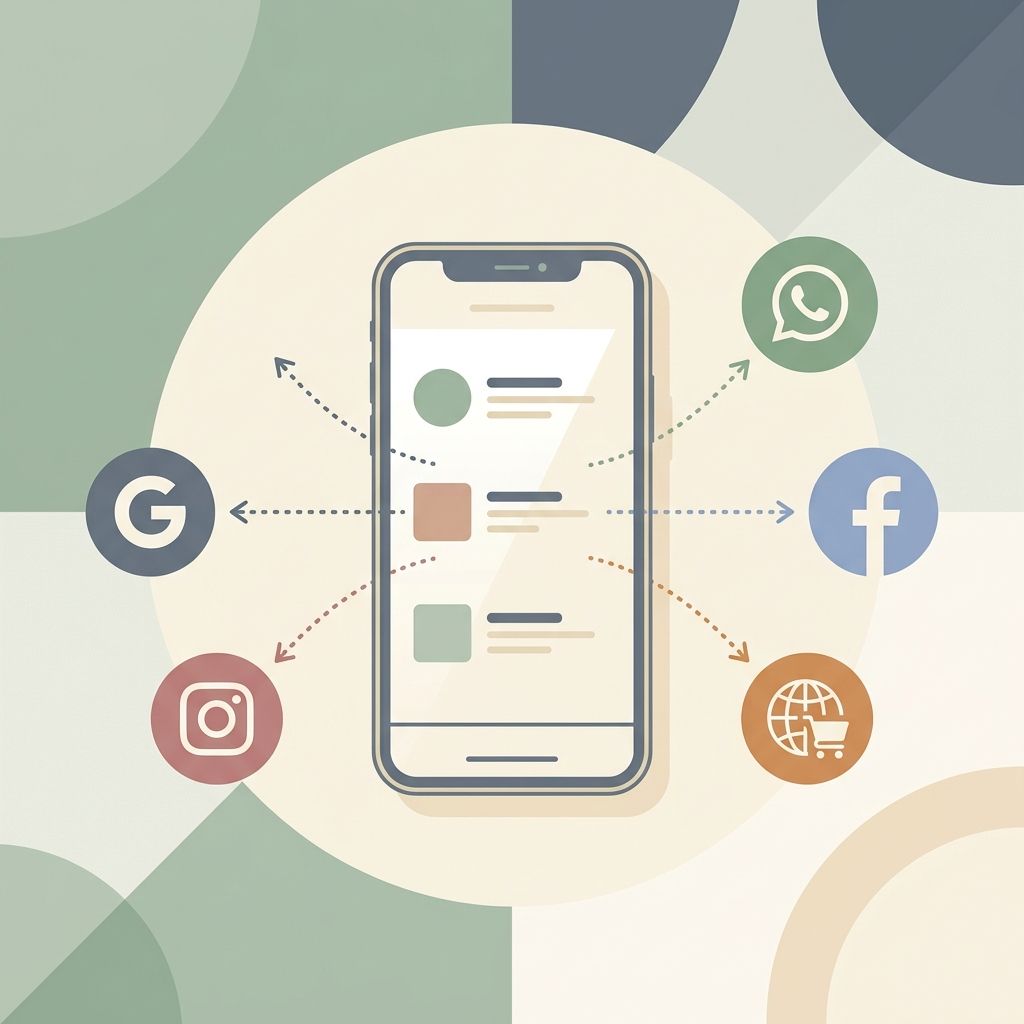
Most restaurant owners treat their digital menu as a table tool — something guests interact with once they're already seated. But your digital menu has a stable, shareable URL. That means it can work just as hard for you *before* guests walk in the door as it does at the table.
Here's how to use your digital menu as a 24/7 marketing engine.
Where Your Menu Link Can Live (And Why That Matters)
Your digital menu URL is a living piece of real estate. Unlike a printed flyer or a PDF that goes stale, it's always up to date — and it's always accessible. Every channel you publish it on becomes a direct window into your restaurant.
| Channel | How to Use It | Why It Works |
|---|---|---|
| Instagram bio | Link-in-bio pointing to your menu | Every profile visitor can browse your food instantly |
| Google Business Profile | Add it as your menu URL | Shows your menu in search results |
| WhatsApp Business | Pinned message in your contact info | Customers researching you get instant access |
| Facebook Page | "Menu" tab or bio link | Surfaces when guests discover you through Facebook |
| TripAdvisor / Yelp | Menu link in your listing | Shows at the moment of intent, before they book |
| Email signature | "View our menu →" link | Every email you send is a soft marketing touch |
The Instagram-Menu Connection
Instagram is a food discovery platform. When someone comes across your restaurant through a hashtag, a friend's story, or a local food account, the very next thing they do is tap your profile.
If your bio just has your address and a generic website link, you've lost the moment. If your bio link goes directly to your digital menu — with beautiful photos of your dishes and your brand front and centre — you've answered the question they were about to ask: *"What do they serve? Does it look good?"*
On MenuClips Growth and Enterprise plans, your menu lives at your own custom domain (like `menu.yourrestaurant.com`). That's the link you put in your bio, share on stories, and paste into your Google Business Profile. It's yours — branded, professional, and always live.
Your Google Business Profile: The Most Underused Menu Placement
When someone searches "pizza near me" or "best brunch [city name]", Google shows a results panel with your name, photos, hours — and if you've configured it, your menu. A clickable preview of your dishes appears in the search result before anyone even clicks through to your profile.
Most restaurants never add their menu link to their Google Business Profile. The ones that do immediately stand out.
Go to business.google.com, edit your profile, and paste your menu URL into the "Menu link" field. It takes under two minutes. The SEO and visibility payoff is significant. See our full guide: How to Get Your Restaurant Menu Showing on Google.
WhatsApp Business: The Underrated Discovery Channel
In many markets — the UK, Middle East, Southeast Asia — customers use WhatsApp to enquire about restaurants before visiting. A quick "what's on your menu?" message is common.
If you have a WhatsApp Business account (free), you can:
- Add your menu URL to your business profile
- Pin it as a Welcome Message so every new contact sees it immediately
- Share it proactively in your Status stories
When someone asks about dietary options or whether you cater for a party of 12, you can send a single link. They browse on their phone, see your full branded menu, and make a decision. No back-and-forth needed.
Creating a "Menu Preview" Content Strategy
Here's a tactic most restaurants miss: using specific dish pages or your menu link as the destination for social content.
When you post a photo of your new seasonal pasta on Instagram, the caption doesn't need to say "available now." It can say "See the full dish details + allergen info on our menu → link in bio." You're driving traffic *back to your digital menu* with every post.
This keeps your digital menu active, builds habit in your guests, and gives you a measurable way to track which dishes generate the most social interest.
Key Takeaways
Your digital menu isn't just for the table. Every channel your restaurant touches — Instagram, Google, WhatsApp, email — is an opportunity to put your menu in front of potential guests at the moment they're deciding where to eat.
A beautifully designed, always-up-to-date digital menu from MenuClips is more than a QR code stand. It's a marketing asset. Start treating it like one.
Build your digital menu and start sharing it everywhere →
Frequently Asked Questions
Can I use my MenuClips URL in my Instagram bio?
Yes. Your MenuClips menu URL is a standard web link — shareable anywhere. On Growth and Enterprise plans, you can use your own custom domain for an even more professional look.
Does sharing my menu link on Google Business Profile actually help?
Absolutely. Google uses the menu URL to display menu previews directly in search results, which gives your listing significantly more presence than competitors who haven't added theirs.
How often should I update my menu if I'm using it as a marketing tool?
Regularly. The more current your menu, the more reasons you give social followers and search visitors to check back. Seasonal items in particular drive strong engagement — announce them on social and update your digital menu simultaneously.
Can my digital menu be shared in WhatsApp messages?
Yes. Your menu URL is a regular web link. Paste it anywhere — WhatsApp, text messages, email, anywhere.
---
*Read next: How to Share Your Restaurant Menu on WhatsApp and Instagram or Your Restaurant Menu Isn't Showing on Google? Here's the Fix*